Hello! I’m starting to utilize Volume Reports for Cut Fill Maps and am wanting to rotate/re-size the Table Report out puts to fit inside my Dynaview sheet boundaries in order to simply print all the info out onto one sheet. Is it possible to rotate/resize the Volume report table?
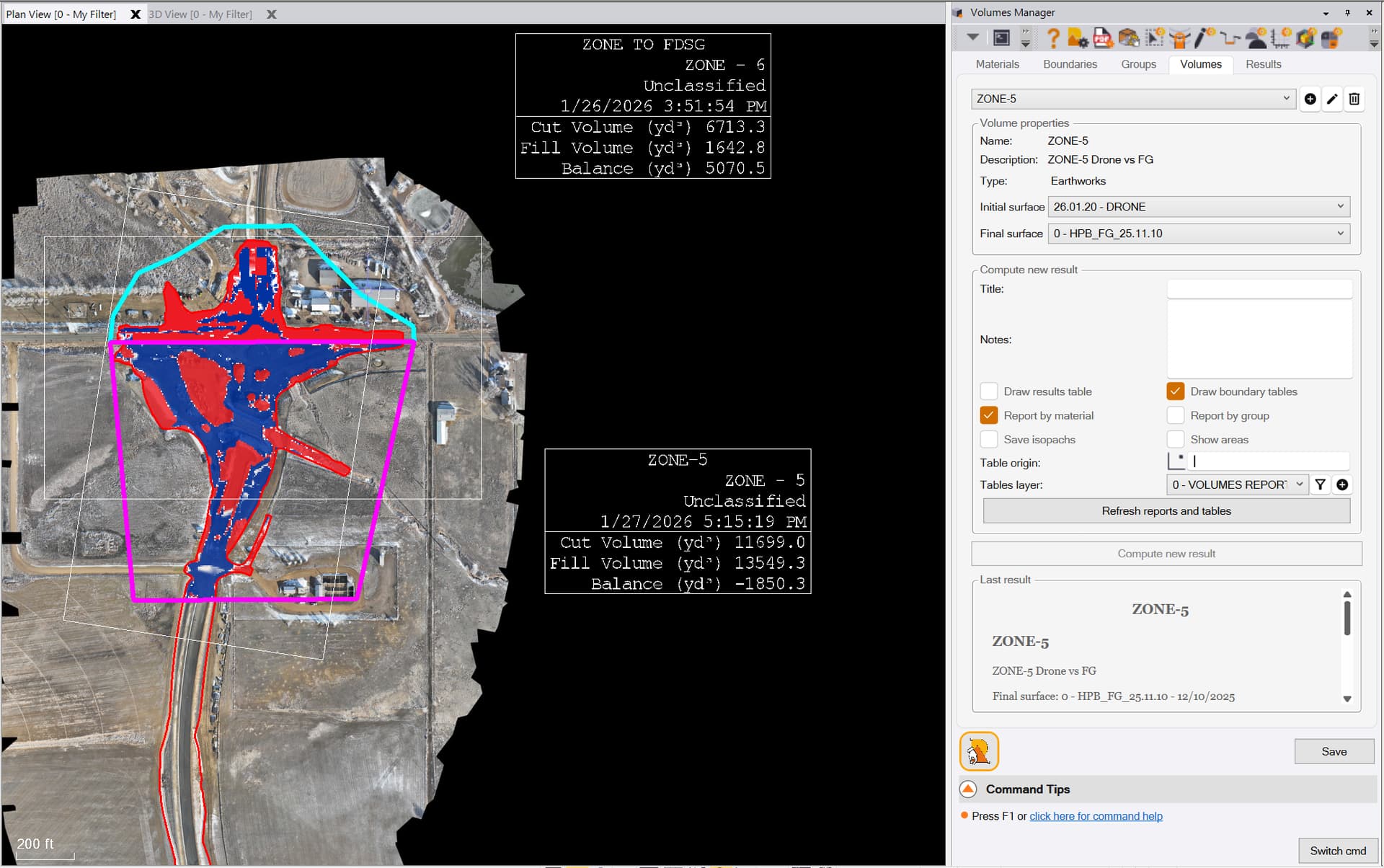
Sizing is done based on the text style / height you define for the tables in RPS Settings.
Location of the table - if you grip edit the outer boundary of the table and move it to where tou want it and then refresh the reports the table content will move to the locations that you moved the outer boundary to.
If you need them smaller and don’t need the areas you can turn those off.
The tables are computed at run time and I believe each time you refresh so I think you can change the text definitions and then refresh and the tables will resize. Set up your text styles for the table text in RPS Settings, create Text Stes for purpose that give you the look that you want. Also set up layers for the table lines and set the lineweight on those layers a little bolder to get a sharper look. Also use True Type text vs stroke font text to get the best looking tables.