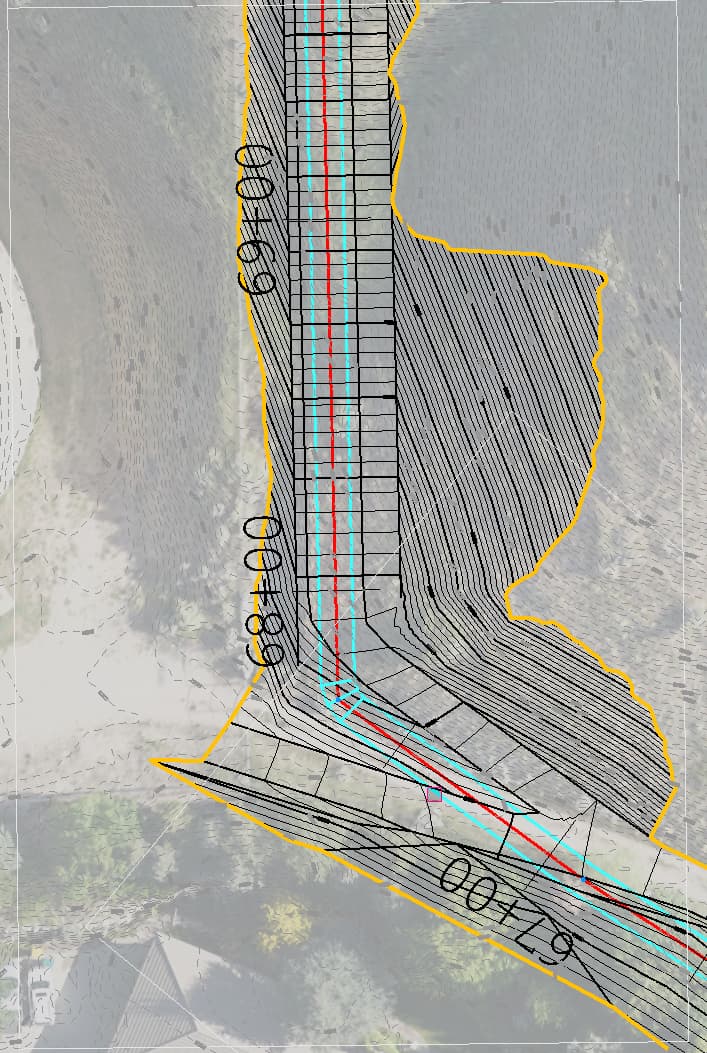
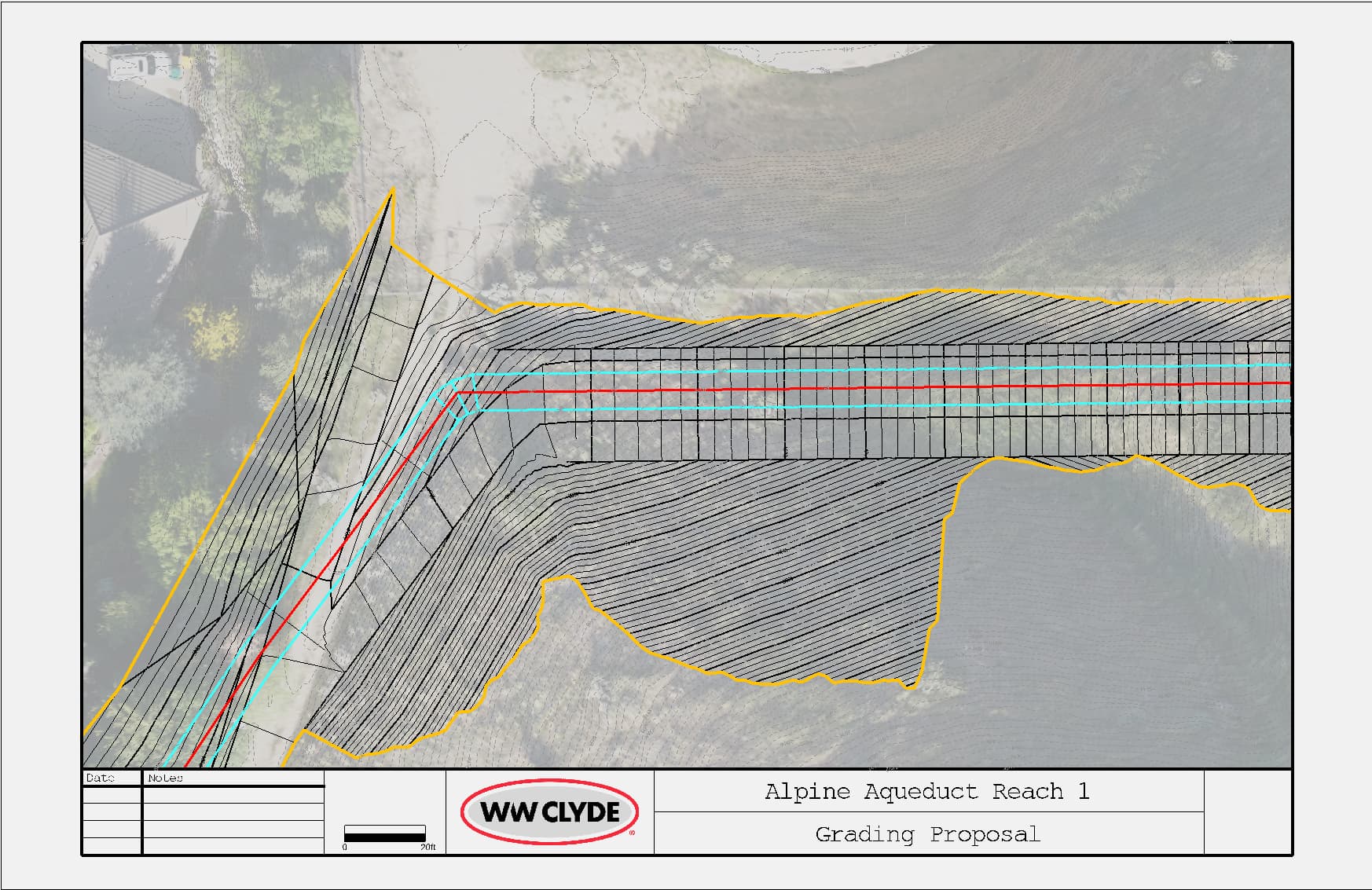
I’m putting together some plans for a grading proposal, and the alignment labels are not showing up in my sheet view. Is there a setting hidden somewhere that will let them go through?
in your layer manager all the way to the right is the print box checked?
It is. I got it to work finally. It took me creating a new text style and redoing the alignment labels.
I am not sure if this applies to Trimble or not, but in Civil 3d this could have been caused due to annotative text. Annotative text was similar to Text in Trimble that use Sheet units. If you created the text in a model space that was 30 scale and the created a paper space that was 50 scale, the text would disappear in the layout. If you added a 50 scale to the text, it would come back.
Could be a True Type Text vs Stroke Type Text issue - try changing True Types to a Stroke font in our Text Style manager and see if it works then. TBC had an issue printing True Types at one point, that could be the issue you were seeing. Failing that normally a view filter issue that is applied to the Dynaview that causes the problem.
Alan