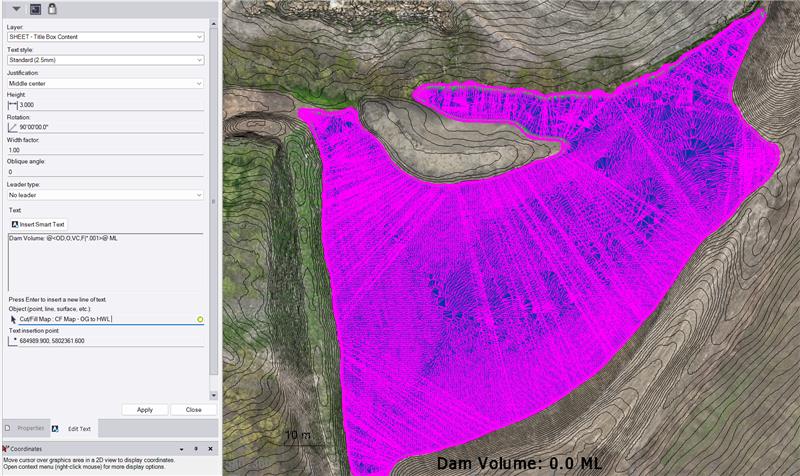
I am using this text code: Dam Volume: @<OD,O,VC,F|*.001>@ ML
The result should give me is Dam Volume: 14.0 ML
My target surface is the CF Map Surface between OG and High Water Level surface.
Am I missing something?
Try the Smart Label Command in Smart Text Mode, Volume Labels Group - that has all of these elements in the Smart Label definition.
I can also have one of the team check out your Label to see if you have something incorrect. You can also use the Smart text for alternate units to get mega liters rather than the math code - I have found that the math code options don’t work in some Smart text codes.
Apologies I am away from my PC for a few days here.
Alan