By accident I created a pop up window with a split screen showing two window in one. Anyone know how to make this happen?
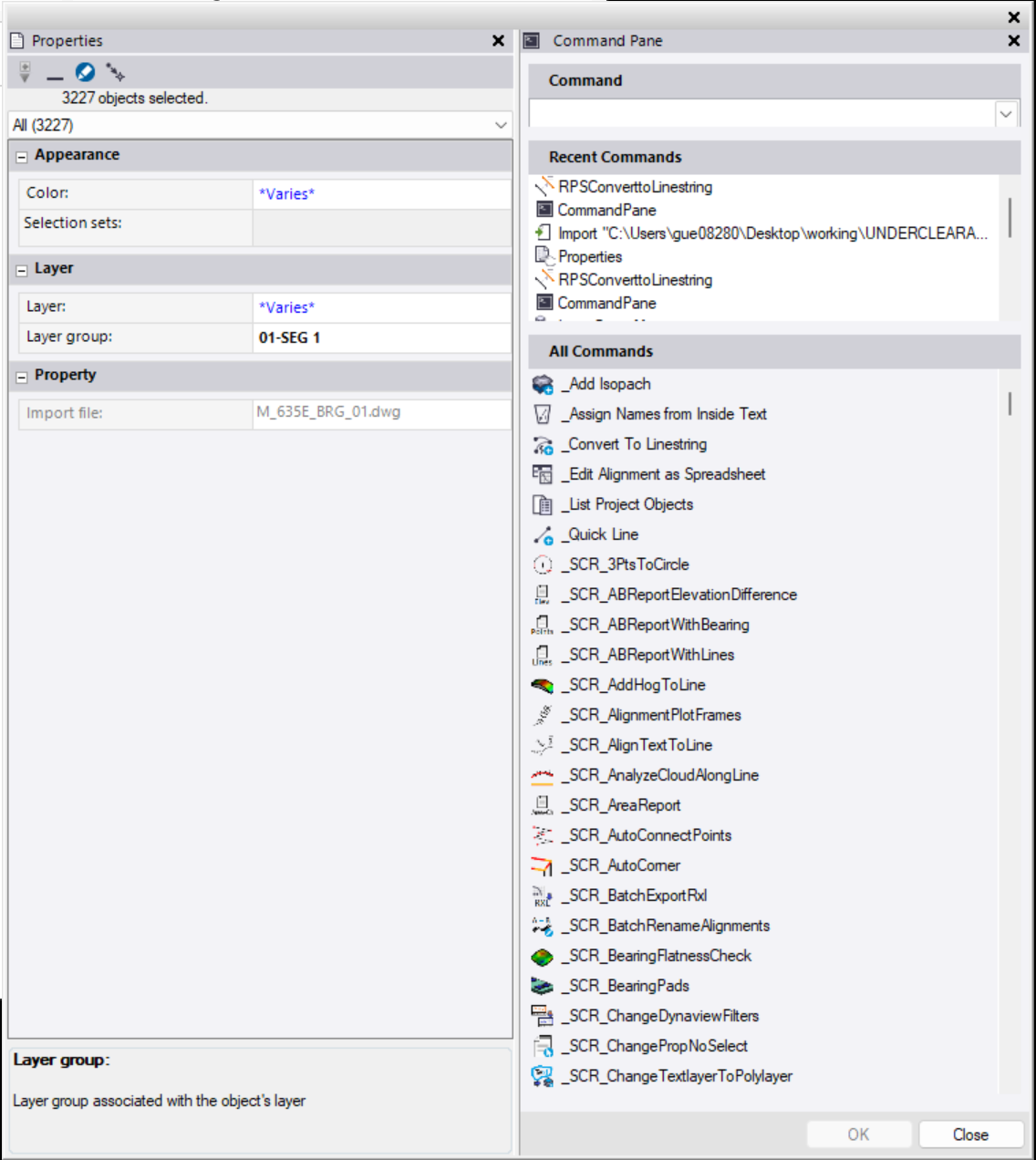
Right-click the pane (Properties, Command Pane, etc.) and select Floating. You can then drag the floating window to the left, right, top, or bottom of another pane to dock and stack them side-by-side or above/below each other.
You can also reverse the process by dragging a docked pane back out to make it floating again. If multiple panes are tabbed together, drag the tabs to reorder them as needed.
I those windows floating and for some reason I dragged one of those windows over the other window and bam. They merged side by side. I have had them merge in a split horizontal view but not in a split vertical view. It took me a few try and I was able to do the split vertical view again.
thanks.
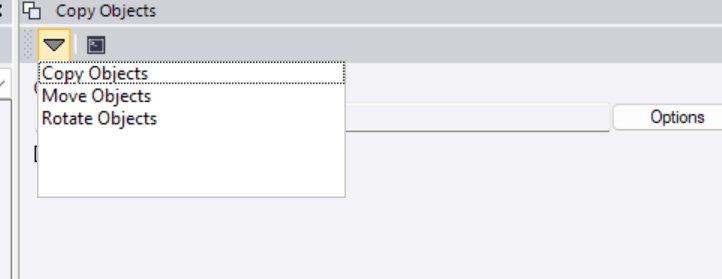
the vertical split is alittle better then the drop down on the window tab.
Yeah the ‘grips’ on those dialog boxes are tricky, it’s even worse if you are trying to do it on someone else’s machine on screen shares…