RPS Community,
Question:
Is there a way to assign elevations to existing points using a linestring?
Context:
I created structure points at the CL of a curb box along the back-of-curb line. I now need to assign elevations to those points based on the EP grade, which is offset approximately 2’-7” from those locations.
Goal:
I’m hoping to leverage the elevation from the EP linestring to populate elevations for the existing points (rather than manually calculating or inputting them).
Hi David,
Have you tried using Smart Elevate?
I have used Smart Elevate for Various Tasks and was the first place I looked. However; None of the options popped out to me.
A potential method is to offset the EP line (I assume it is elevated) 3’ or enough to sandwich the points between the EP and the offset line. Create a surface using those two lines. Then select all your points and elevate them based on the surface just created.
1 Like
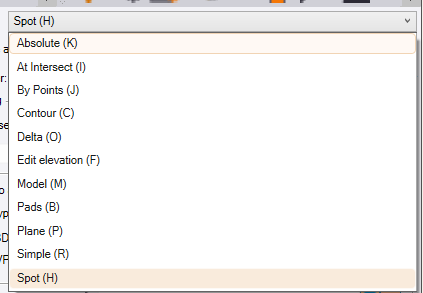
The above method by Change elevation by surface or use absolute then right click along line option.
You can also offset the line breakline by crossing line and then RPS point creator to create points at end of segments.
If you use the Station Offset Points command it will create you new 3D points at the locations of your 2D points using the Station and Offset of the poiont in relation to the line, and the elevation is derived from the Elevation of the line if you use Slope Mode and set the slope to 0%.
It does mean doing it one point at a time, but you just have to click the point 2x once for the station and once for the elevation calculation
This will work if you dont have hundreds of points to calculate.
If you have a lot of points this is where I woukld write a script to do it using AI
I used CHATGPT
I enclose a DXF file containing 3D linework and 2D Points in a P,N,E,Z,D csv file. I need to compute Z values for the points from the Line, where the elevation of the point is the elevation of the line at the closest point to the point transferred at 0% cross slope. I need a csv file in P,N,Z,D for the 3D points with a CSV extension as an output.
I selected the Project Data Option and selected the 3D line and 2D points as input.
These are the input data items as a DXF and CSV file
2D Points.csv (204 Bytes)
3D Line.dxf (79.7 KB)
This is the CSV file that Rocky gave me back
3D Points.csv (288 Bytes)
This is a way that you can solve these types of questions.