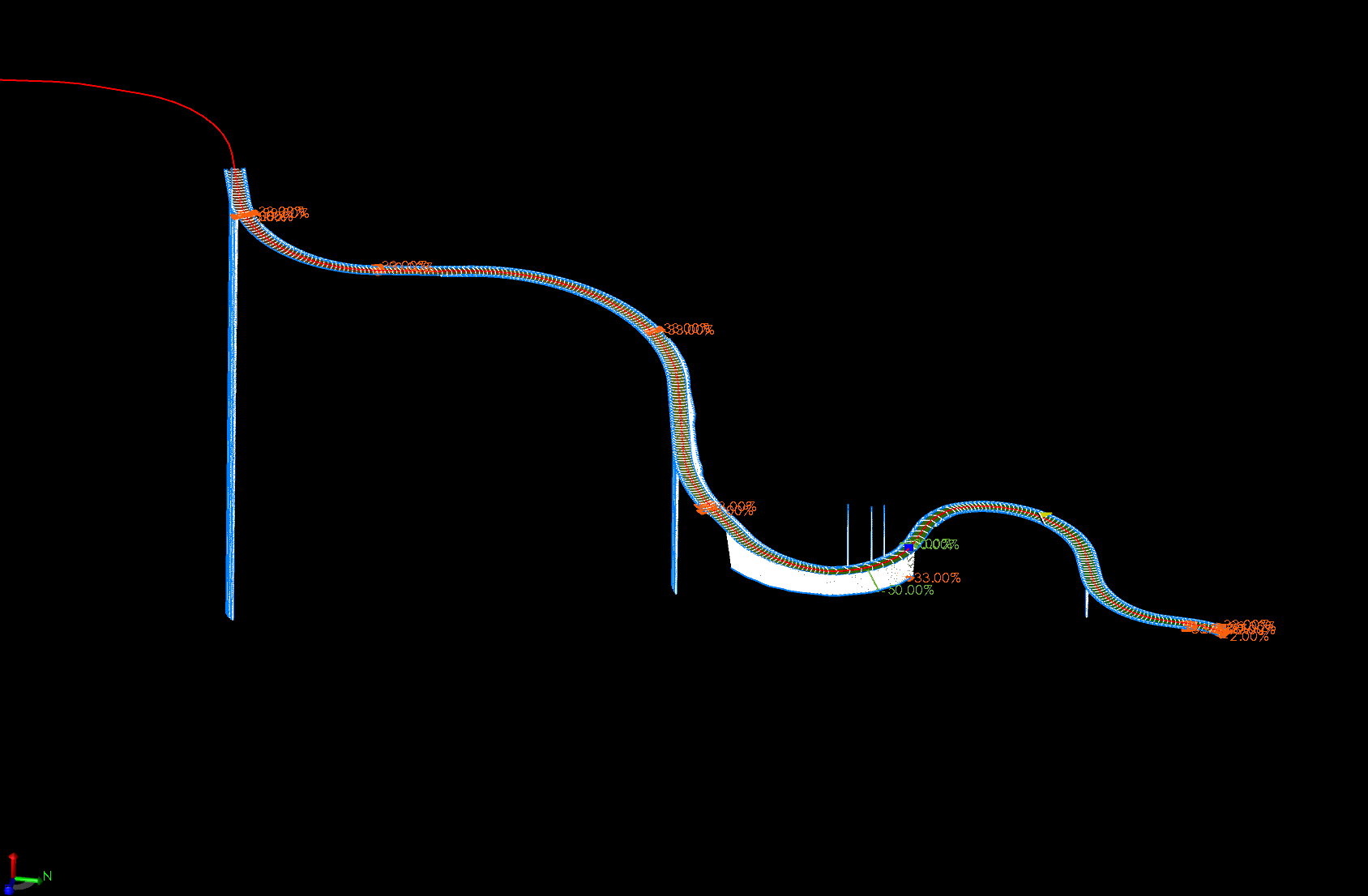
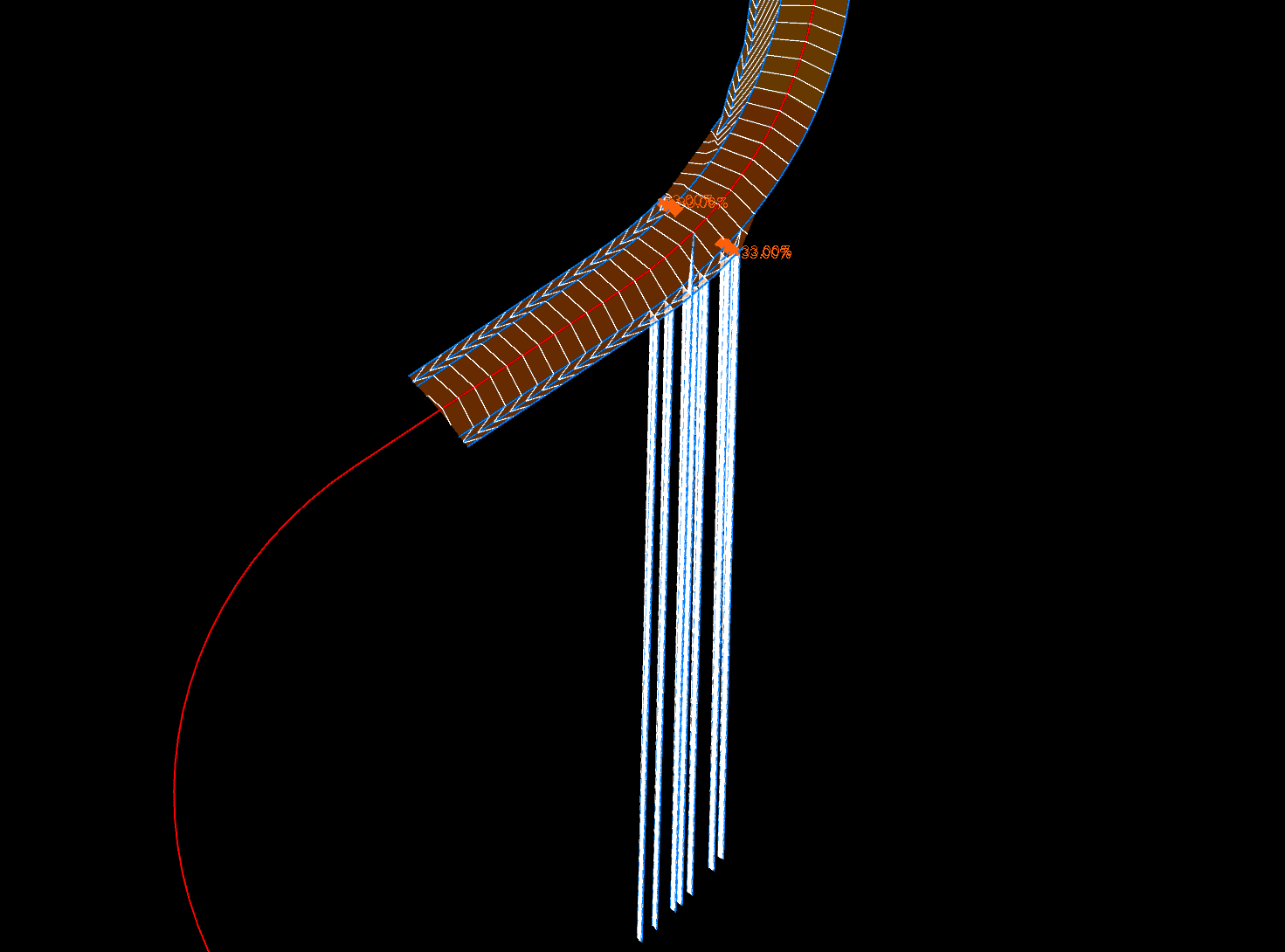
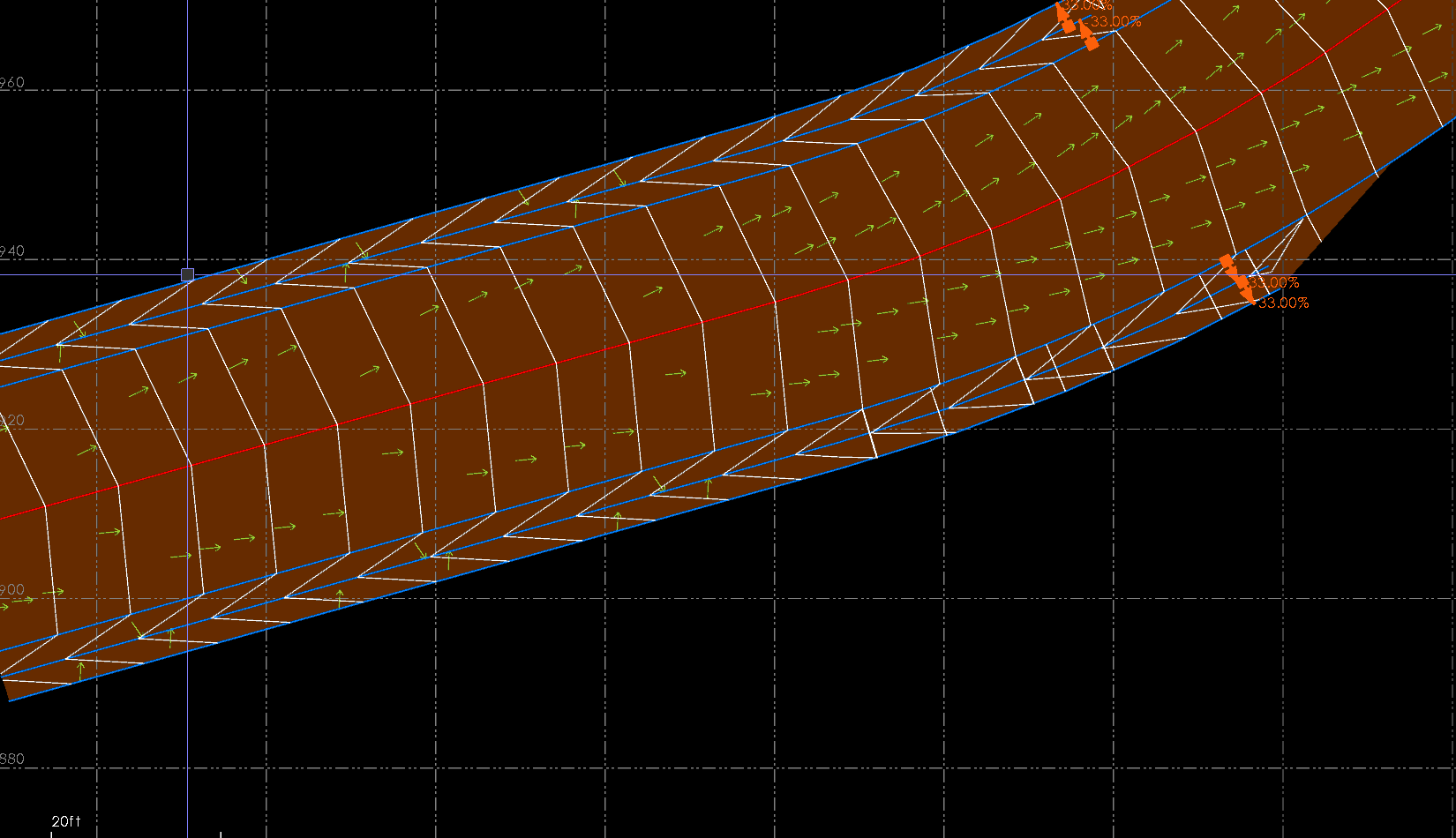
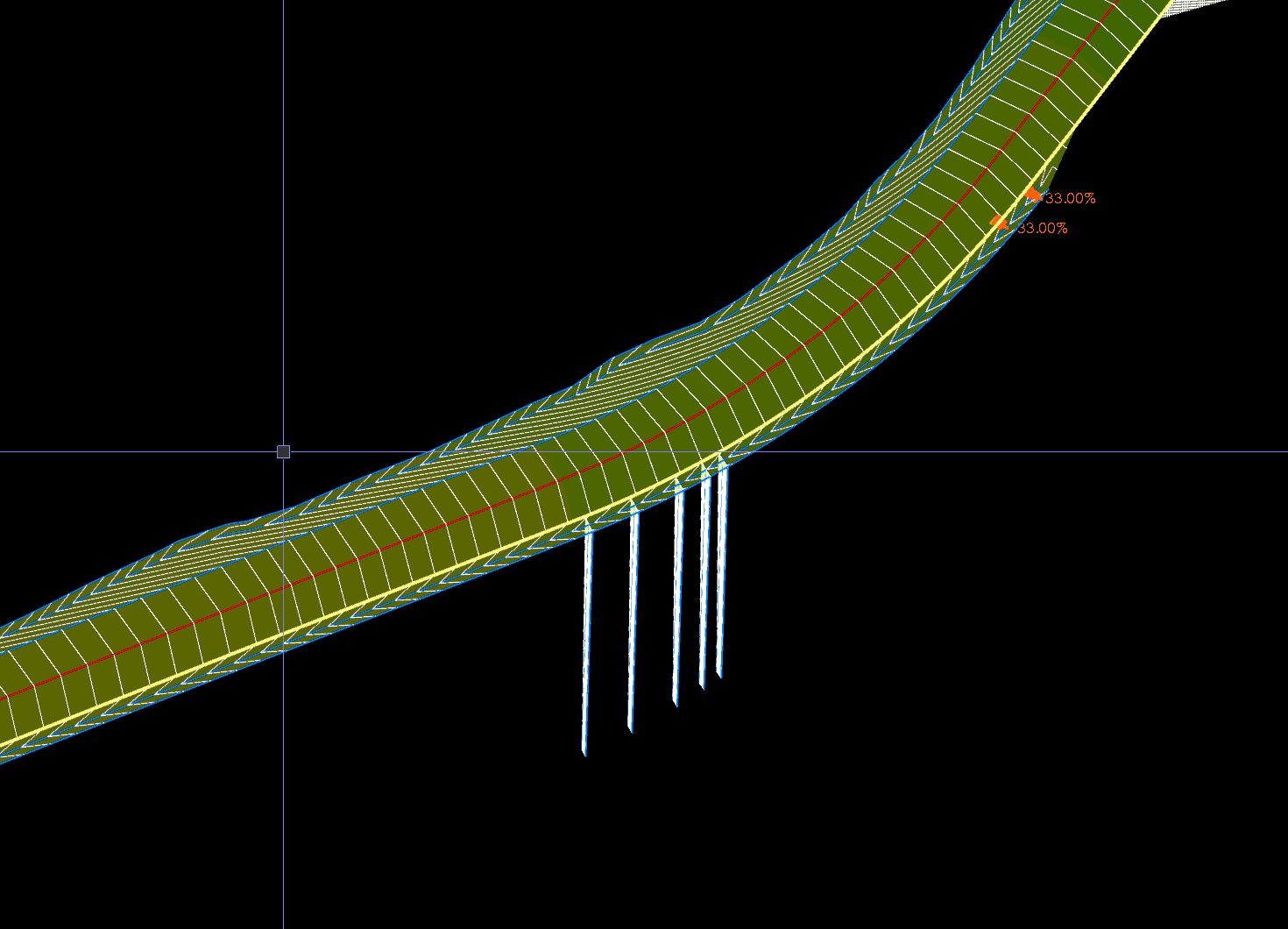
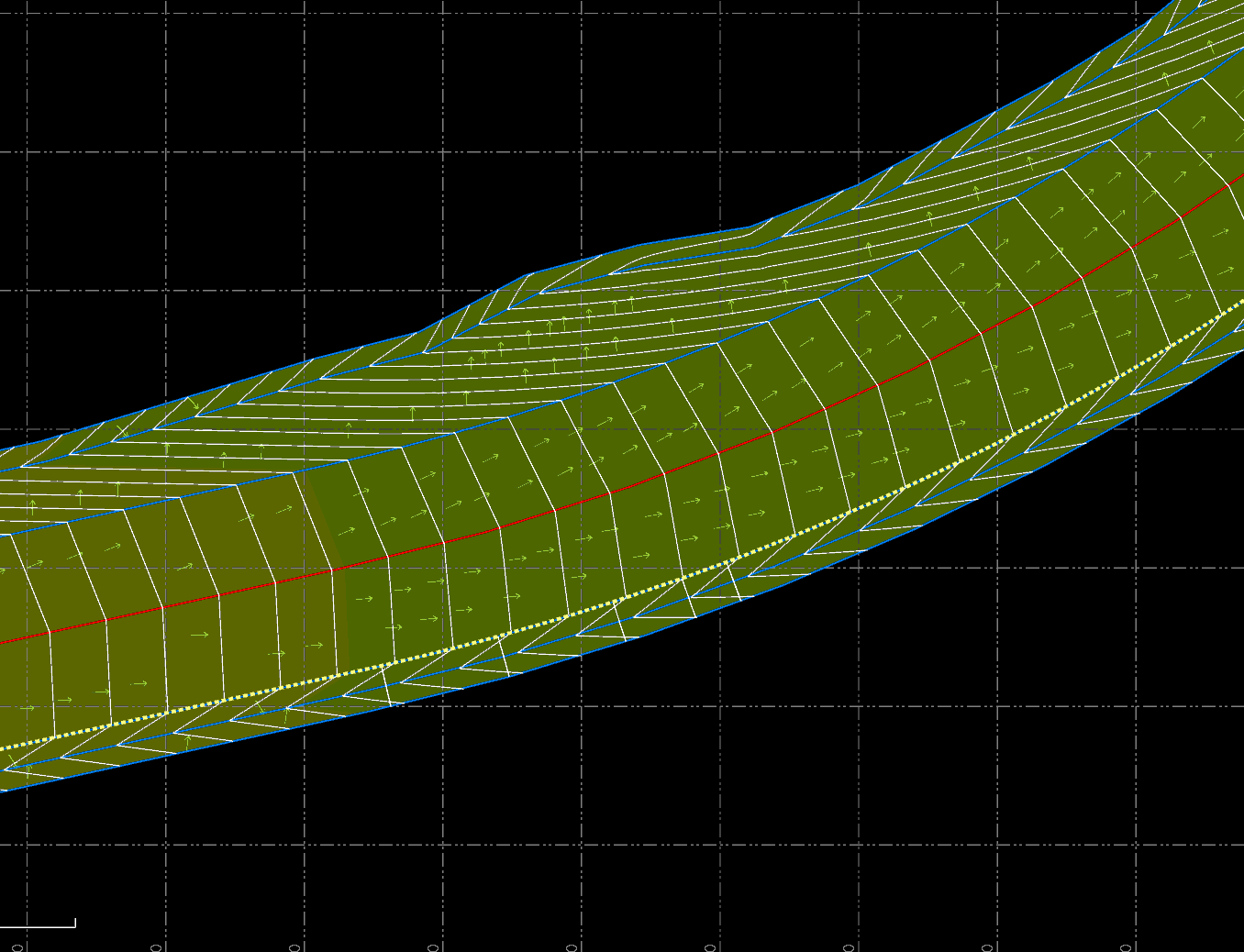
I was messing around with a simple alignment that had some ditches along side in some areas when I encountered an issue. In some areas there were these huge vertical spikes usually four or five in a row. Most go below the surface hundreds of feet and some go above the design. I’ve attached some screen shots for reference. Has anyone seen this before? And if so, know a fix for them? I can manually edit the vpi’s but the come right back when the surface regens. You can see the straight contours where the spikes happen when looking top down.
An you share the project so I can take a look at what is causing those - looks like you have some zero elevation data included in the model.
Alan
1 Like
Here you go. 6B was done trying to use vertical design and 6C was done by corridor model. I tried to use 2D linework on 6B other than using the CL HAL & VAL as my starting point. It’s been years since I’ve messed with vertical design tool. So I could definitely could have screwed something up. I put the entire folder and project files in this link. It’s slowly uploading all the files. Says it has 5 min left.
Vertical Design Project
I’ve noticed this being a more common thing after the last two or three most recent TBC updates. Even when the primary line appears good to go both in VPI or 3d points. never noticed it in 5.80 personally. I’ve tried optimizing the line string x/y. i’ve tried removing nodes, i’ve made sure there arent any oddball segments or weird elevations as well. some of that can help but i ultimately still get a random spike in various lines for no obvious reason i can find.
2 Likes
I have also noticed vertical design being more of a pain in the last couple updates. Particularly the latest update. I’ve been able to work through them but it’s such a pain when it used to be so easy to work with.
1 Like