After using the Smart Tools for a little while now I’ve noticed that only certain commands allow you to clear the highlights. Is there a way to clear the highlights if there’s not a button specifically for it? Thanks.
Marc Nagel
After using the Smart Tools for a little while now I’ve noticed that only certain commands allow you to clear the highlights. Is there a way to clear the highlights if there’s not a button specifically for it? Thanks.
Marc Nagel
Marc
Which commands are you using that need it but dont have it - it may be an oversight on our side. Typically it is only RPS tools that need that because we are doing what we call Primary and Secondary Highlighting whereas TBC Tools only do Primary Highlights, the Secondary Highlighting is what we are clearing in our Tols like Smart Edit.
In most commands you just click in open space where there are no objects to clear a selection highlight.
If there are RPS Commands that need the Clear Highlight function let me know which ones and I will look into it for you.
The main tools that have it are Smart Edit functions where we use the Secondary Highlight a lot.
Alan
Hi Alan,
The commands I’m referring to are Smart Draw, Smart Elevate, and Smart Model. Smart Edit works great. I don’t have a specific example right now on the screen for the job I’m working on but I have noticed recently with these three commands the only way I’ve been able to clear the highlights was to close out of the command. This was still the case while using the unlock command focus button as well. It very well could be something I’m not doing correctly such as a key stroke of click order. When I come across the issue again I will record my exact key strokes and click order and let you know. Thanks.
Marc
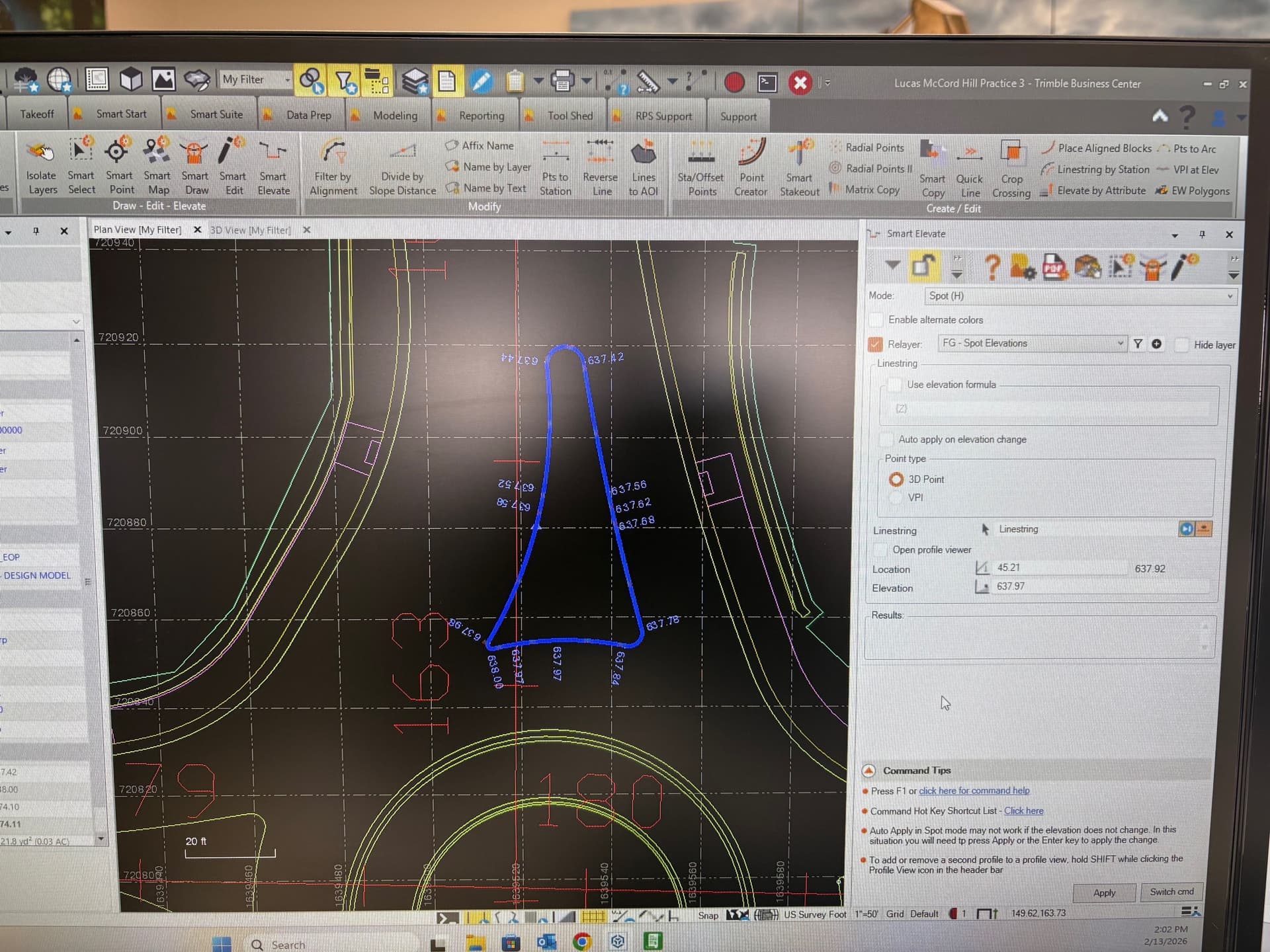
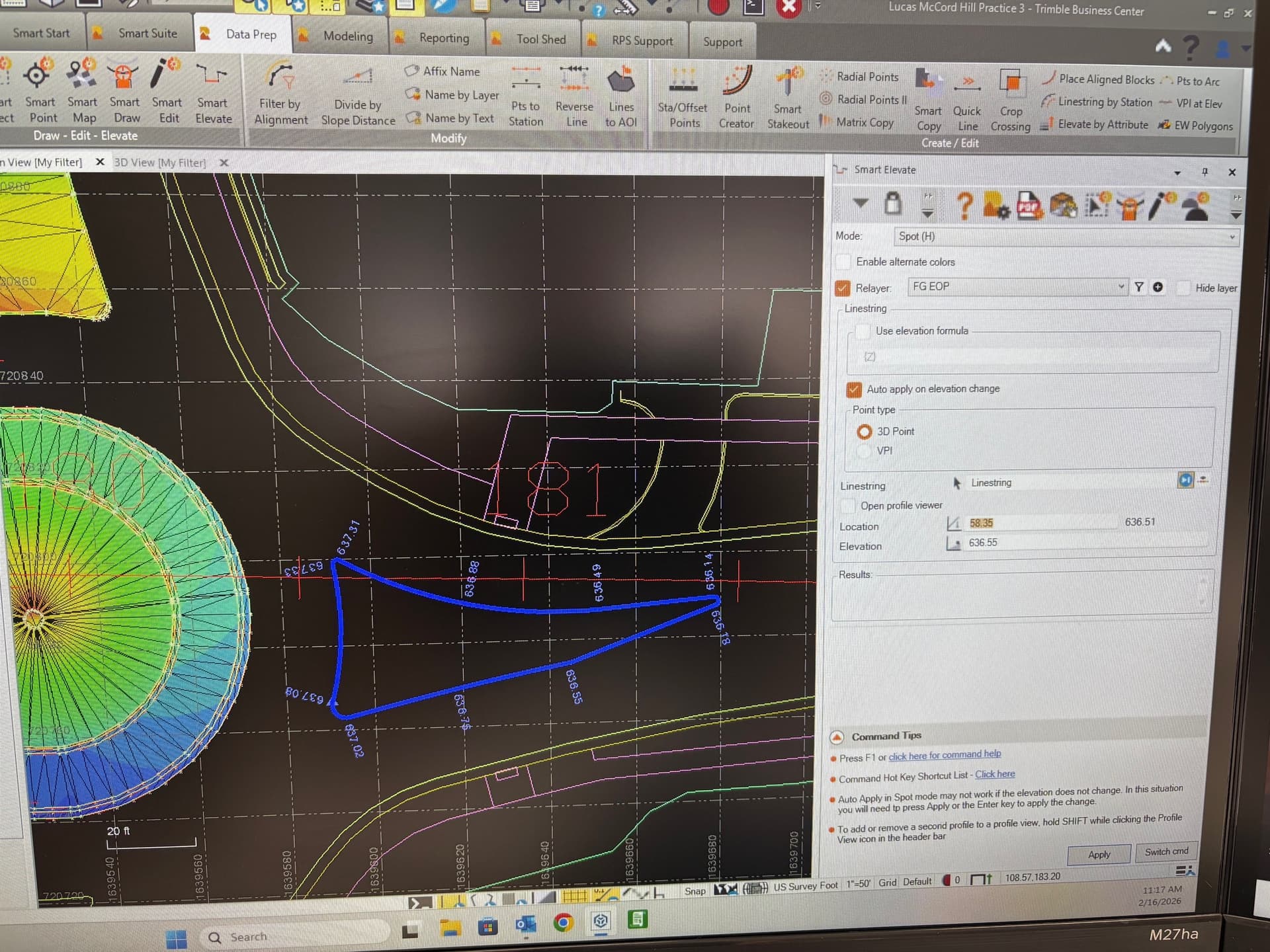
Here is an example of the issue I’m having with the highlights. I’m using smart elevate in spot mode and I have entered pavement elevations around the splitter island. Hit apply and unlocked the command pane focus to the graphics. How do I turn off the blue highlights without closing out of Smart Elevate?
Marc
Click the show line string direction, Right of the line string: Line string in that screen shot. Looks like an eye
Erik,
Thanks for the reply. I clicked the linestring direction button and at least for me it just turned off the direction arrows not the blue highlighting. I unlocked the pane using the padlock icon and clicked out into open space on the graphics and still can’t clear the blue highlight.
Ah yeah, I’m seeing the same thing.
Edit: It looks like you can use the Smart Edit function. Go to the vertical tab and add vertical data and clear highlights if need be.
I believe there is 2 different type of edits currently with RPS. As in smart edit has smart join in the edit mode, then there is also a command that’s just RPS smart join by itself.
If you click in the Linestring Select Field and click in free space to deselect the line in our command, that will clear our highlight, or select a different line will also clear the highlight. Note that when our highlight clears, the TBC standard highlight will likely still be visible until you select a different object.
We are going to do more work on Highlights coming up here in the next few weeks as we feel that it needs a complete rework.
I will try to get a Clear Highlights Button added to all commands that need it.
Alan