Is there an easy way to select lines by angle? I have a surface that needs cleaning up and I’d like to keep the main north-south lines to form the new surface. Smart Select is great for selecting the crossing lines quickly, but I’m wondering if I can select all the lines that run north-south +/- 3-5 degrees?
Here’s an example of what I’d like to accomplish across the whole site:
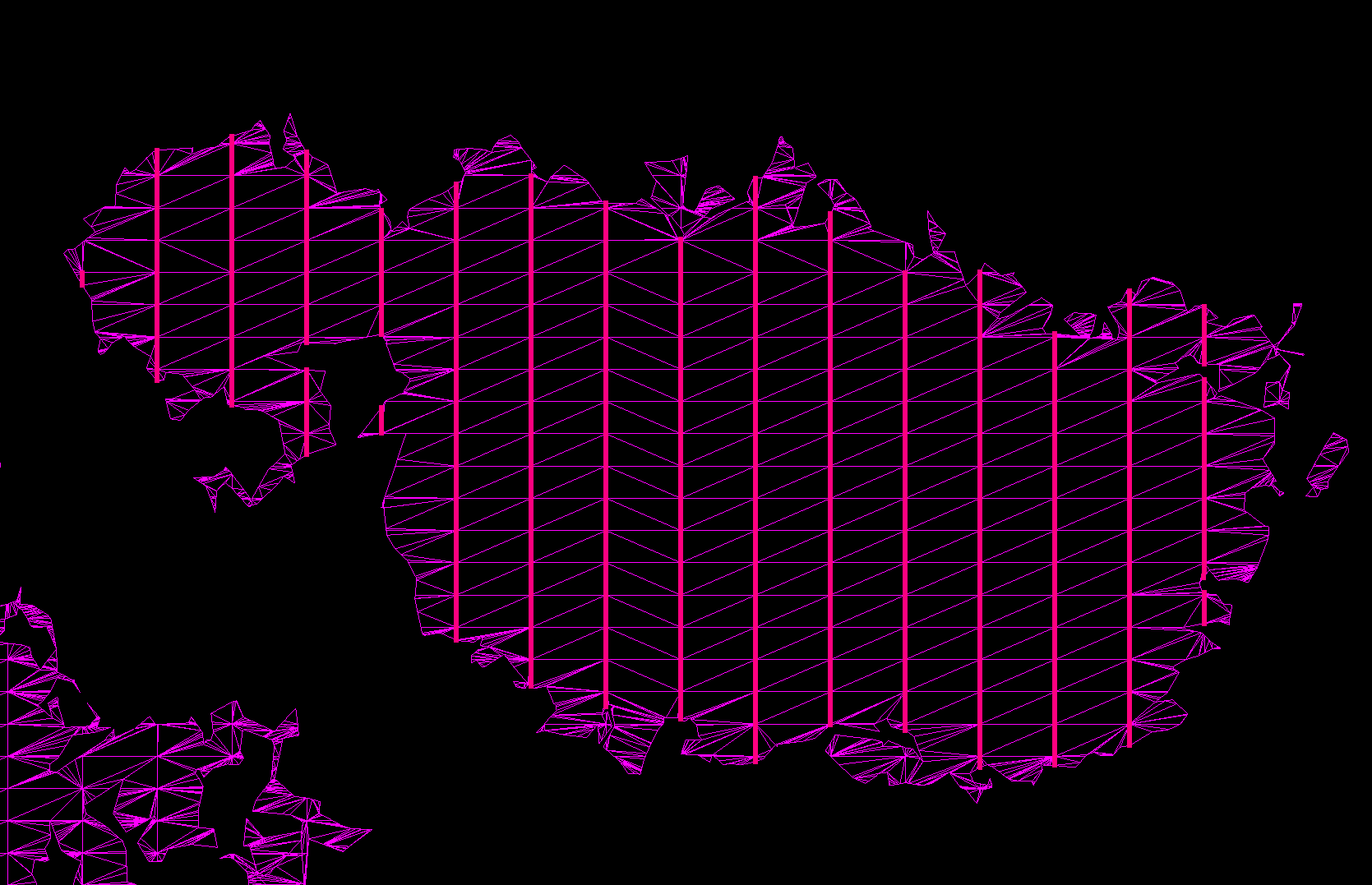
Draw you a line running north/south, and use the RPS filter by alignment command…
you may need to explode the TIN into linework first
1 Like
Filter by Alignment command should do the trick. This command is under the Data Prep tab in the Modify group.
This command gives you the ability to select lines based on a deflection angle from your reference geometry ( North South Line ).
2 Likes
Geometric selection using the aspect ratio filter only will find all the lines that have the same height to width ratio - you can make the selection range extremely narrow if needed.
Filter by alignment will also do the trick
1 Like
I knew there was something like this somewhere, just couldn’t remember which one exactly! This did exactly what I needed. Thanks!