All,
I am new to Rockpile, So I may be missing a step.
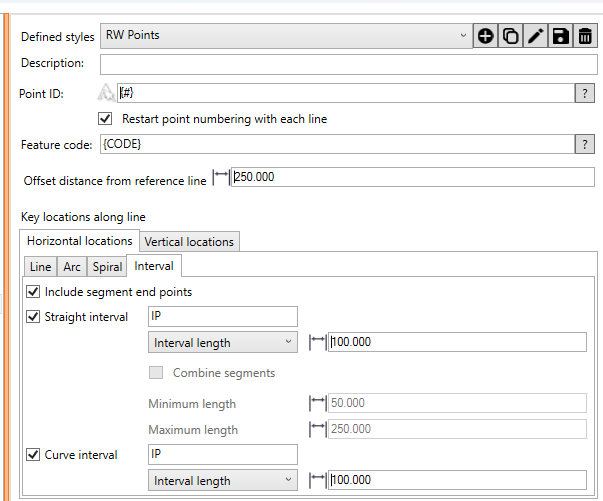
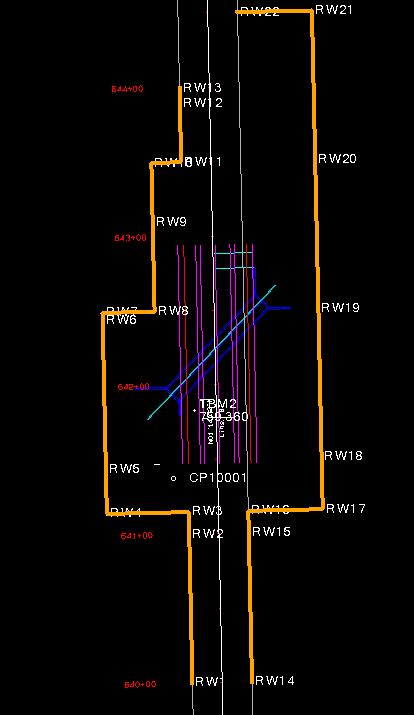
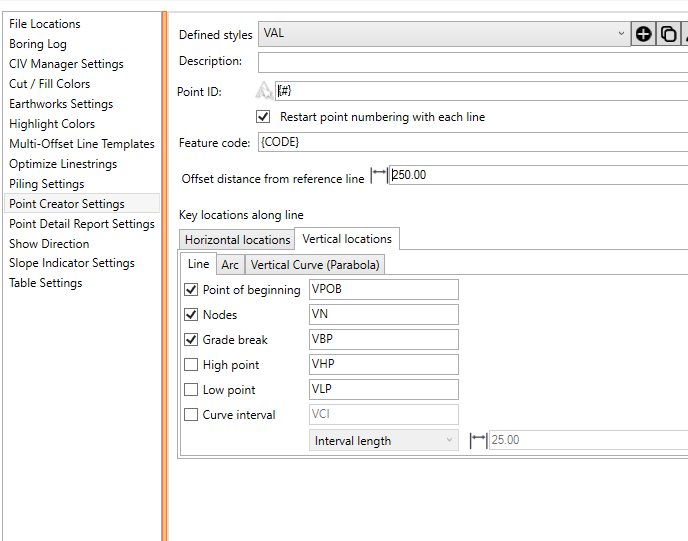
I often get projects and have to calculate RW Points to be staked in the field. I want a point at Every Break and on Even Stations of 100. Can this be accomplished with smart stake or any other RP tool? Below is a simple example.
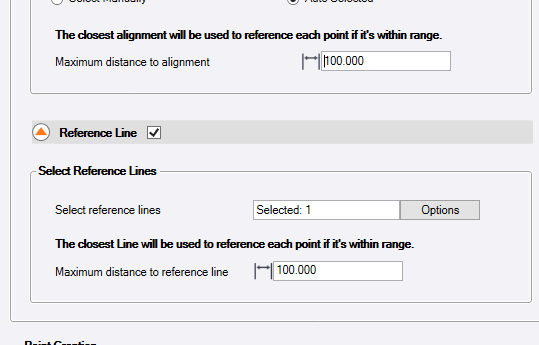
My point Numbers came in perfect how I wanted. but the points did not appear to care about the alignment station. I selected the alignment for the reference line.
You should be able to do this with the Point Creator command - Smart Stake also should do it - I will need to look at the specific request and let you know, but point Ceator is wired to do this exactly I believe
Alan
@David_Martin were you able to resolve it ?
I have not. I have been creating station labels with long ticks to find the desired locations.
Thanks,
Dave
As I read this in the morning and to send a response out quick. You could try to make a copy of the alignment and make a linestring. Break the alignment at an even 100’ station to match the alignment. Then do a create points at intervals of 100’.
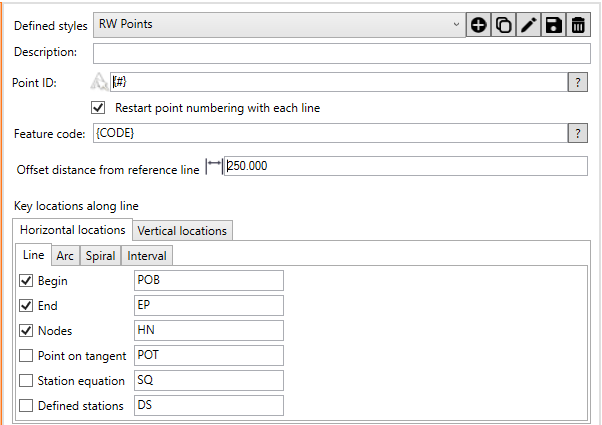
The grade break (im guessing are the wall steps) point can be done with the Point Creator. I have this.
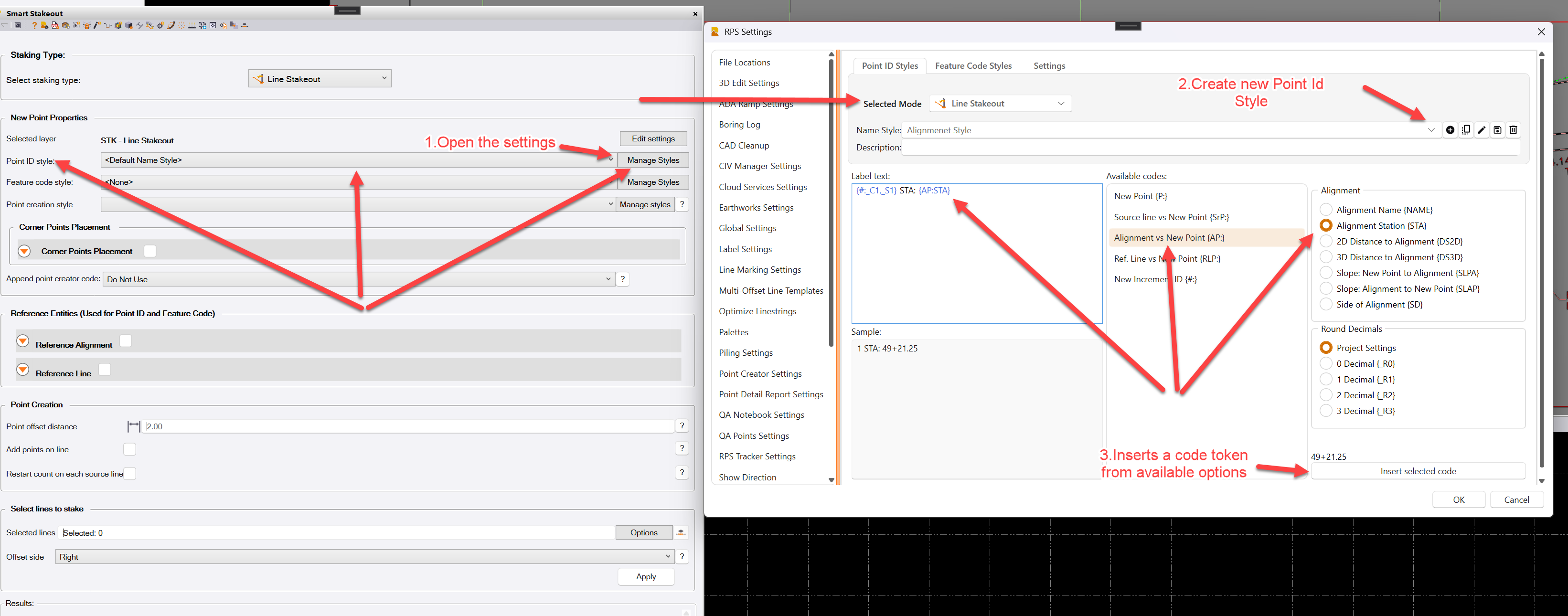
@David_Martin The Smart Stakeout, that uses Point Creator Style on the back end, should handle point naming automatically.
In Smart Stakeout, the Point Creator Style defines the location of the points — which you already seem to have mastered — while Smart Stakeout mainly controls the naming by utilizing Point Id Style.
By setting the Point ID Style in the RPS Settings, you can create a new naming style and insert the desired codes from the available options. These codes will later be replaced with actual values.
In your case, if you want the point to automatically include the station from the alignment, choose “Alignment vs New Point” and select “Alignment Station” from the available code options.
If you’d like, share your data and I can take a closer look at it.