I had a customer contact me today with an error on his EW machine when loading the Project.
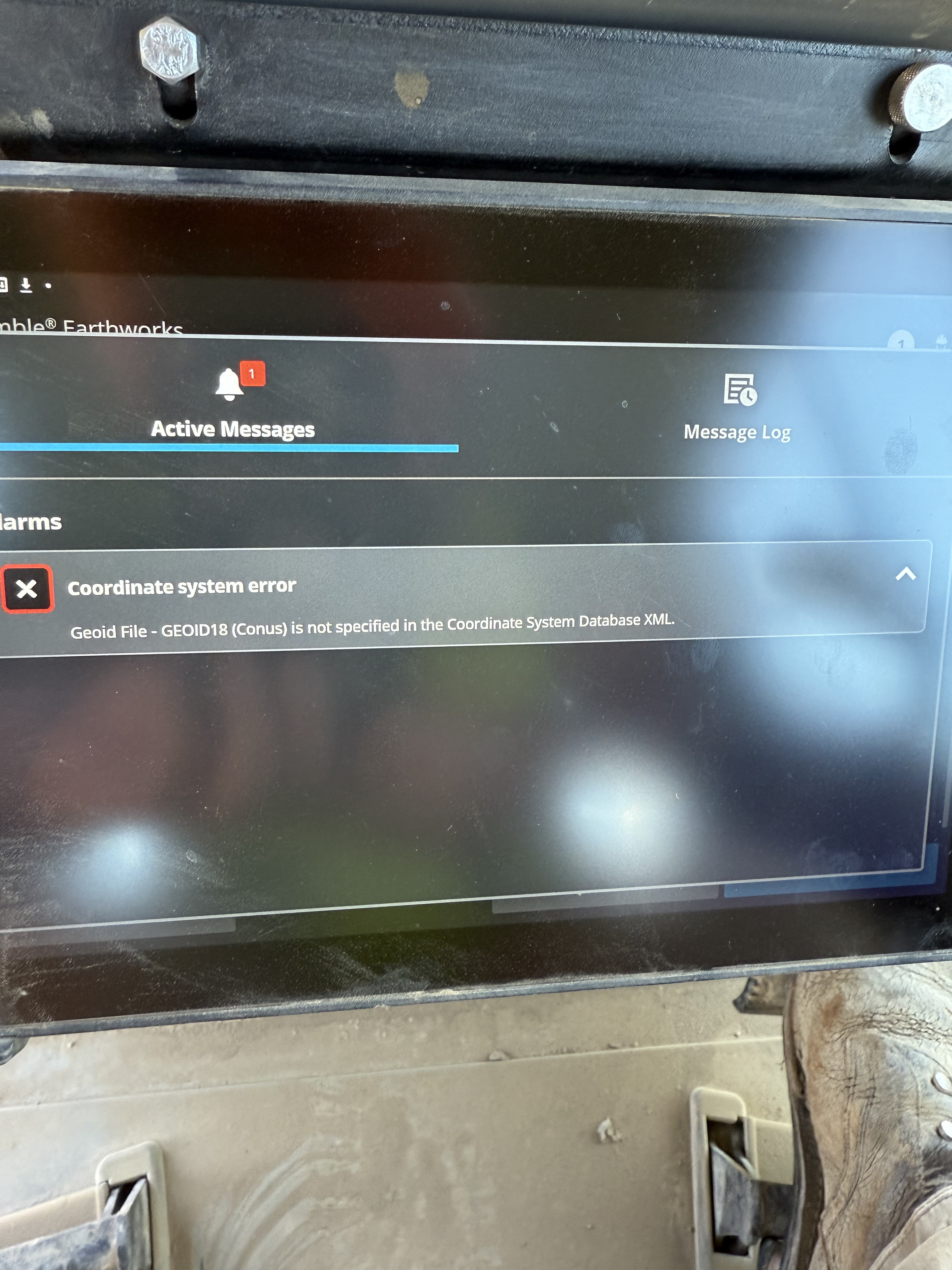
This error shows that the Geoid model used in your Calibration file is not present on the machine. To resolve this issue, you can copy the Geoid file from the TBC folder location on your computer. The default location of that file is the following.
C:\ProgramData\Trimble\GeoData
CoordSystemDatabase.xml
If you load this onto your flash drive under the GeoData folder, replacing the old one, this will ensure that all of the default Geoid definitions that you will export from TBC will be accessible on your EW machine.
In this instance, the one on the machine was 1.4KB and the one that comes from TBC (as of 2025.1) is 5.4KB.