Hi all,
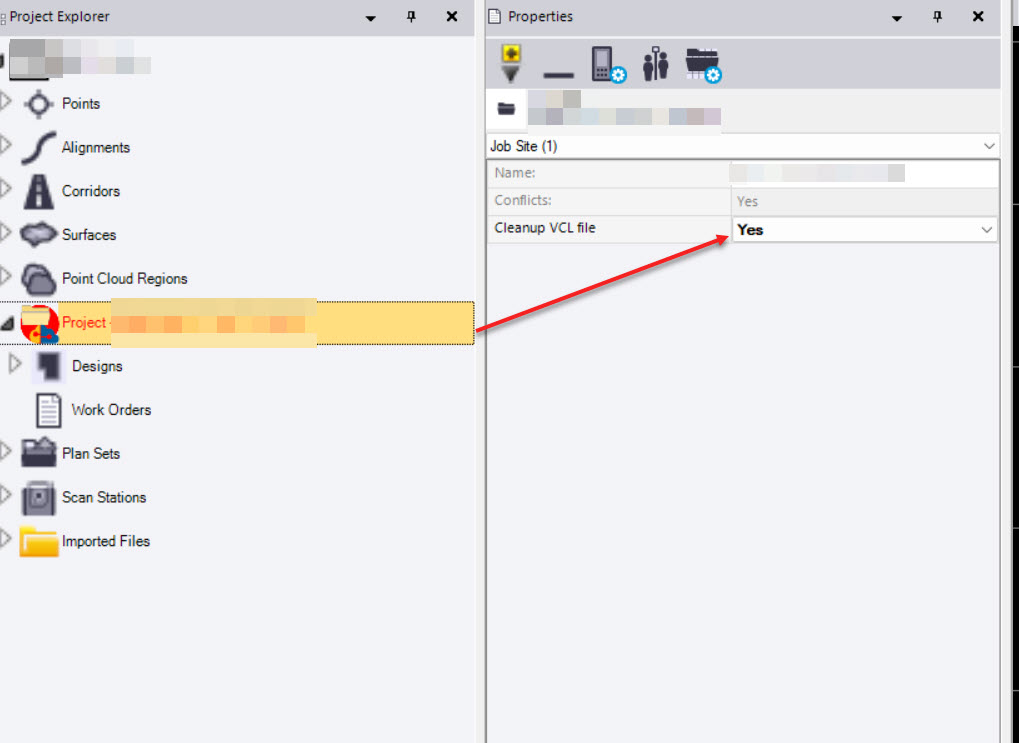
I have an odd issue that I believe is related to the “new” Works Manager (since the TCC “end-of-life”), and I can’t figure it out. I’ll also admit upfront that I really don’t enjoy using the Trimble community forums, so I’m hoping to get some insight here instead.
Here’s the issue: Since updating to TBC 2026.10 and exporting designs through the “Construction Data” tab in TBC, I’ve noticed a couple of problems:
1. The VCL files I’m sending to the machines are massive compared to the old TBC “Works Manager VCL exporter.”
-
Works Manager export: 17.4 MB
-
TBC VCL export: 384 KB
2. I’m seeing a lot of lag on machines running the new TBC/Works Manager VCL exports. They take forever to sync, and the operator display lags as well.
We’re running the most up-to-date software on the machines, and all firmware is current too.
My initial suspicion is that the VCL exported through the new Works Manager workflow is creating a massively inflated file structure. I know 17.4 MB isn’t huge in absolute terms, but that’s roughly 45 times larger than the traditional VCL export from TBC, and it seems to be causing real performance issues in the field.
Has anyone else run into this, or found a way to reduce the export size?
Note: Under “Guidance surfaces” in Earthworks 2.24, there is the OG file and that’s what I don’t want/need to be upload. I believe that’s what’s causing the inflated file sizes but not sure how to not send the OG through TBC and works manager.
Thank you,
Andy

 Appreciate ya