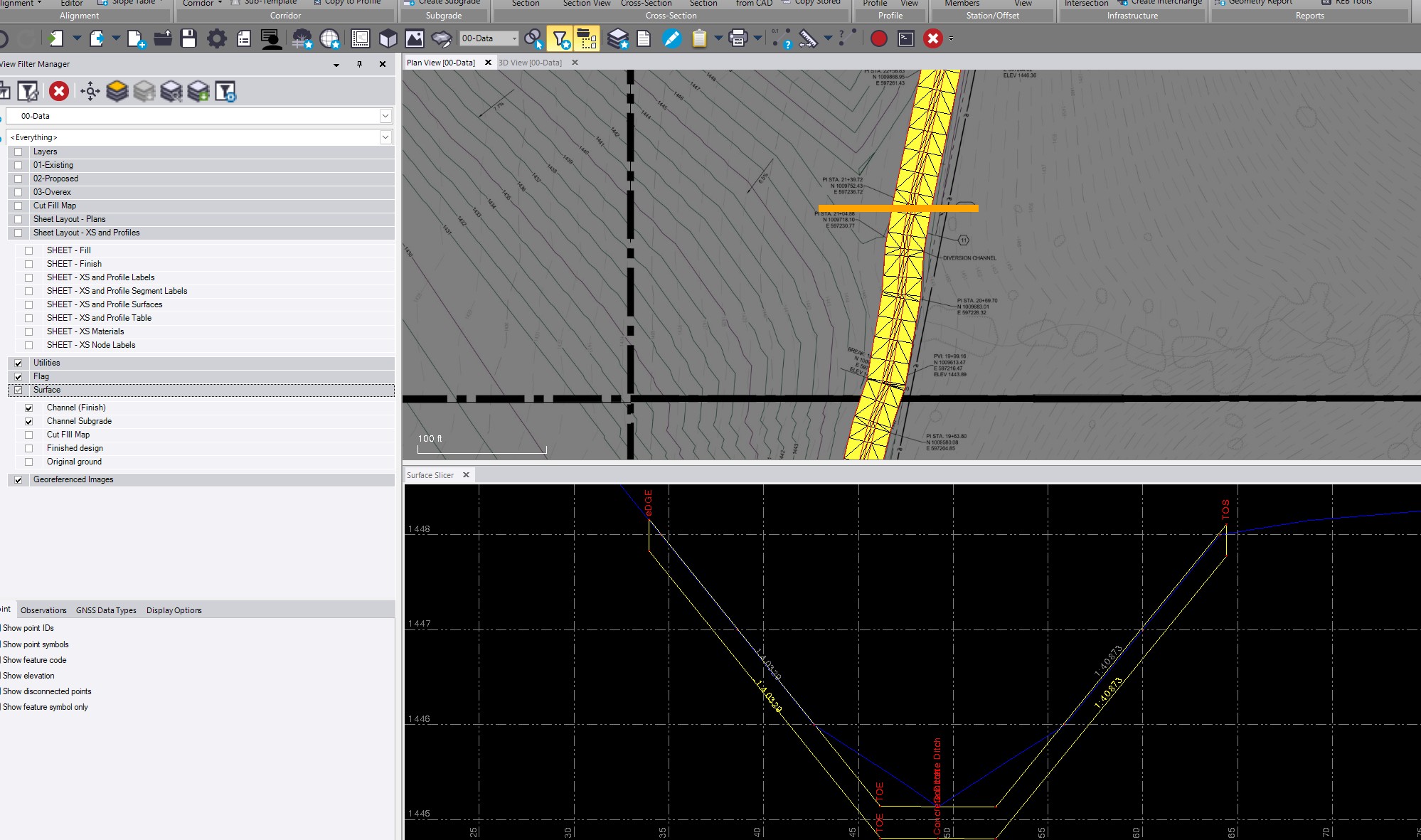
I am working on a concrete ditch, started with a horizontal and vertical alignment, and built a corridor template and created the Corridor Surface. I assigned a material/section to the ditch and created a channel subgrade surface. I am trying to run a report to show the surface area and concrete quantity for the ditch. I do not build corridors often, so this is rather new to me. I have attached a screenshot showing the surfaces as well as a cross section.
Thanks
Sorry for the late reply. Normally, I would do this using two reports. If you assign a material to your subgrade surface assuming that represents the bottom of the concrete you can run a corridor earthwork report, which will provide the necessary data. You do need to assign an existing ground (OG) surface to the corridor first.
Then, run a surface information report on the subgrade surface to get the square footage.
Also, since you have both the subgrade (SG) surface and the finished surface, you can run a surface-to-surface volume report between the two. This will give you a “Fill Volume” that you can use as your concrete volume, and it will also provide the area all in a single report.
If you want the surface area of the concrete you can also get that from the corridor earthwork report in the surface area columns on the right side , if the top of concrete is part of finished grade create an additional material layer called top of concrete and when you say the concrete is part of Finish also add the top of concrete tag to those elements also - that way it will be called out in its own column in the corridor earthworks report.
If you have the surfaces of top of Ditch and base of Ditch created in your corridor model then you can also use Smart Model to do a cut full model between the two surfaces - that will report the volume of concrete as well as the surface area in the report area for the cut full/ difference model.
If you need to create the surfaces feom the corridor use create corridor surface for the top of concrete and vase of concrete surface material.layers from your corridor and then use those in Smart Model to calc your volumes.