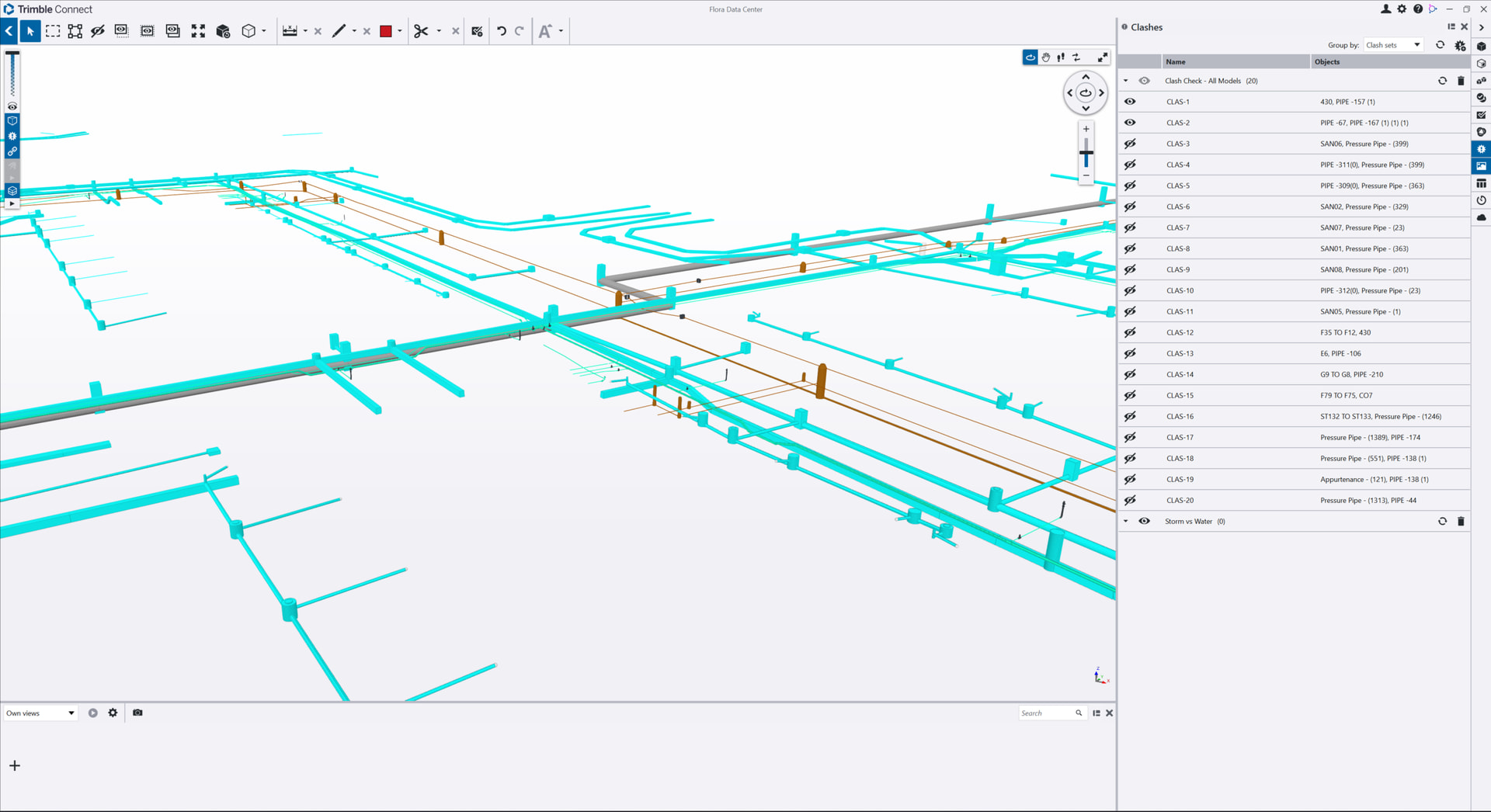
In the video below we show you how you can run Clash Analysis on IFC model data for utility networks, in this example for a Data Center project.
Trimble Connect and Trimble Connect Desktop are very useful applications in the Trimble Software ecosystem, especially for BIM and VDC workflows. You can sign up for a free personal Trimble Connect license using your Trimble ID at www.Connect.Trimble.com. Once you have access to Trimble Connect I recommend that you also download Trimble Connect Desktop and install it on your computer. This allows you to work locally and offline and sync to your Connect Cloud License in the background.
Trimble Connect allows you to read files e.g. from Revit and Navisworks as well as IFCs and DWGs that contain a lot of “Solid Objects” that TBC typically does a poor job of reading, it allows you to convert any of these files into a TRB (TrimBim) file for use in TBC - that TBC does a very good job of reading, and this allows you to access way more data from these files than just trying to read them into TBC directly. And some of these formats, TBC itself has no way to read at all (Revit (RVT) or Navisworks NWD/NWC files).
If you are working on Utility projects or are working with BIM / VDC data projects, watch this space as we have some exciting things coming here to help you in the not too distant future ….
Video Shows You How