Downloaded latest release of TBC (TBC_2025_20_1_FULL_SETUP) and installed it on 2 computers.
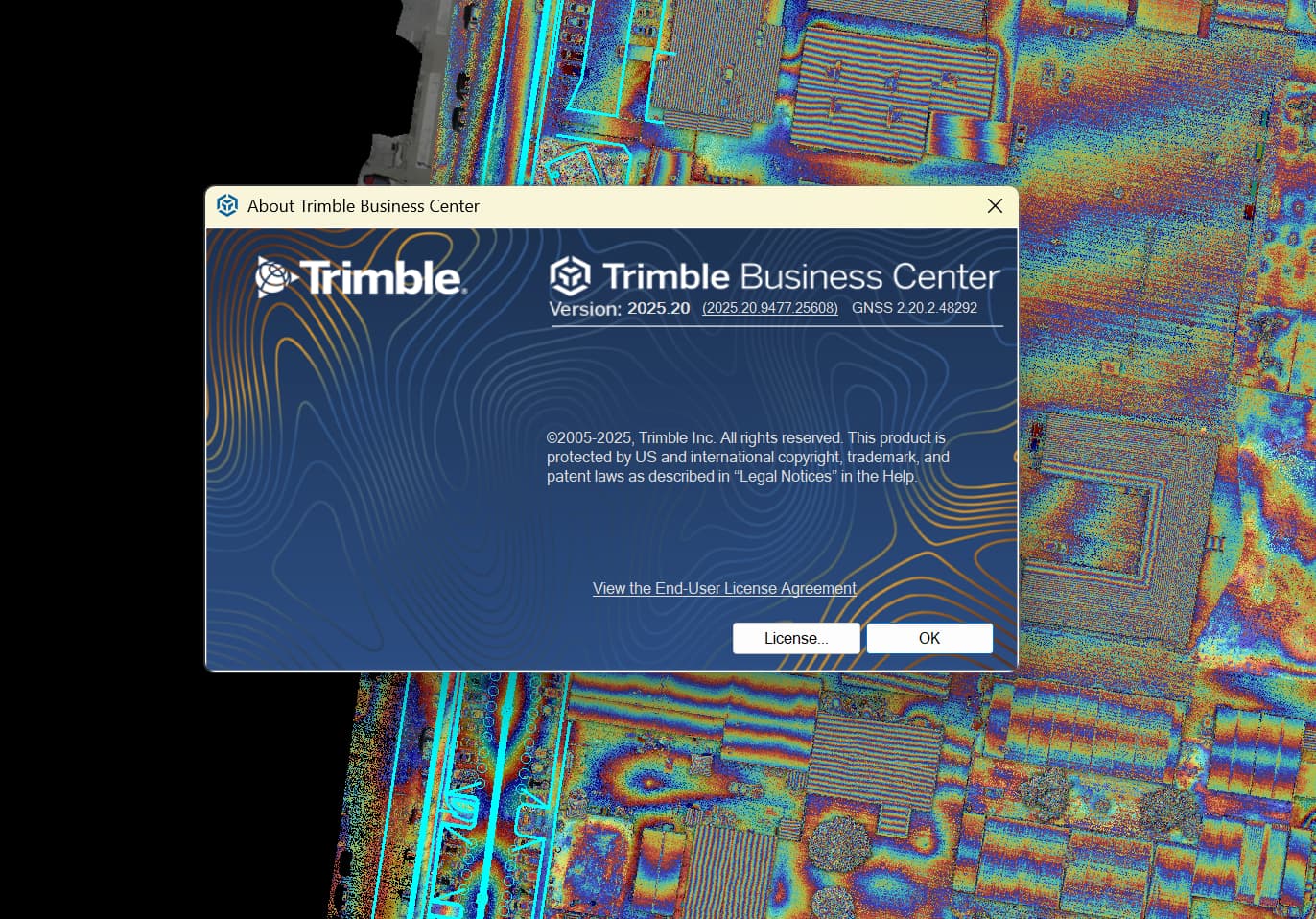
After a reboot and “Check For Updates” TBC still shows me as running the previous version (2025_20). It doesn’t register the update. Downloaded and installed it twice to check.
So is the download link mislabeled and actually downloading the previous version again? Or is TBC itself not registering the update in “check for updates”?
Any way to tell which it is?
No response from Trimble so thought I’d ask here.
Happy New Year,
Marshall
2 Likes
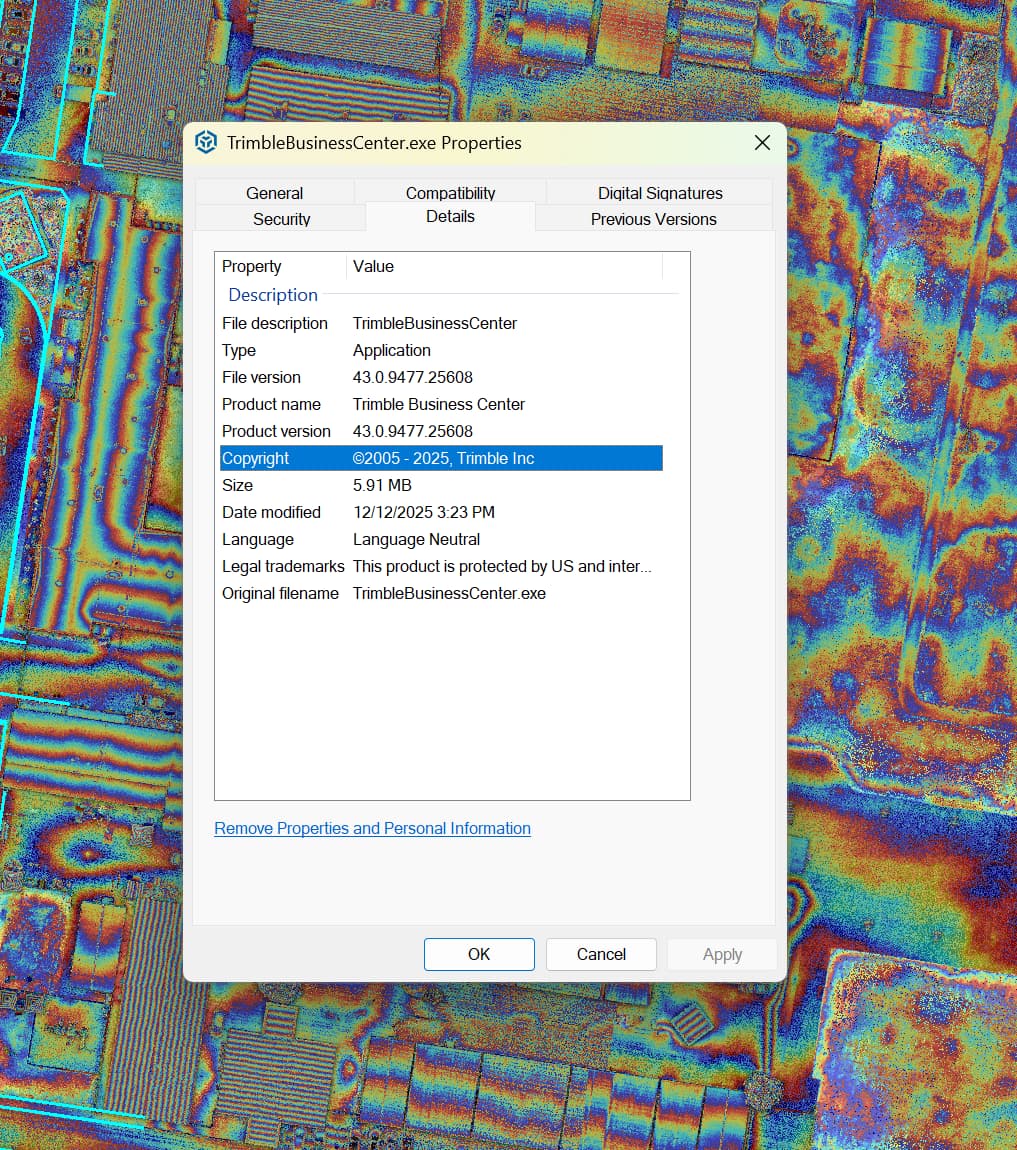
The build number in About and dates on the install files all look like a new release to me.
I also asked about this to Trimble and so far have not heard back yet.
Alan
1 Like
I am having the same issue. 2 different computers, used the Trimble cleanup, even tried online and offline installs. No joy
1 Like
I also tried installing as a “repair”. No luck, same result.
A Trimble bug release which is also a bug… 
No response from Trimble yet.
2 Likes
Another user told me that the registry Settings show 2025.20.1 so the fact that it has a new Build No, the fact that the date of the install files and then the Registry Settung would seem to indicate that the install is success, maybe justt not picking up on the fact that it has installed through Check For Updates.
Alan
Alan, does your computer show that it has 2025.20.1 on the about screen and not show that you have a new update? I have no idea how to check my registry for install version.
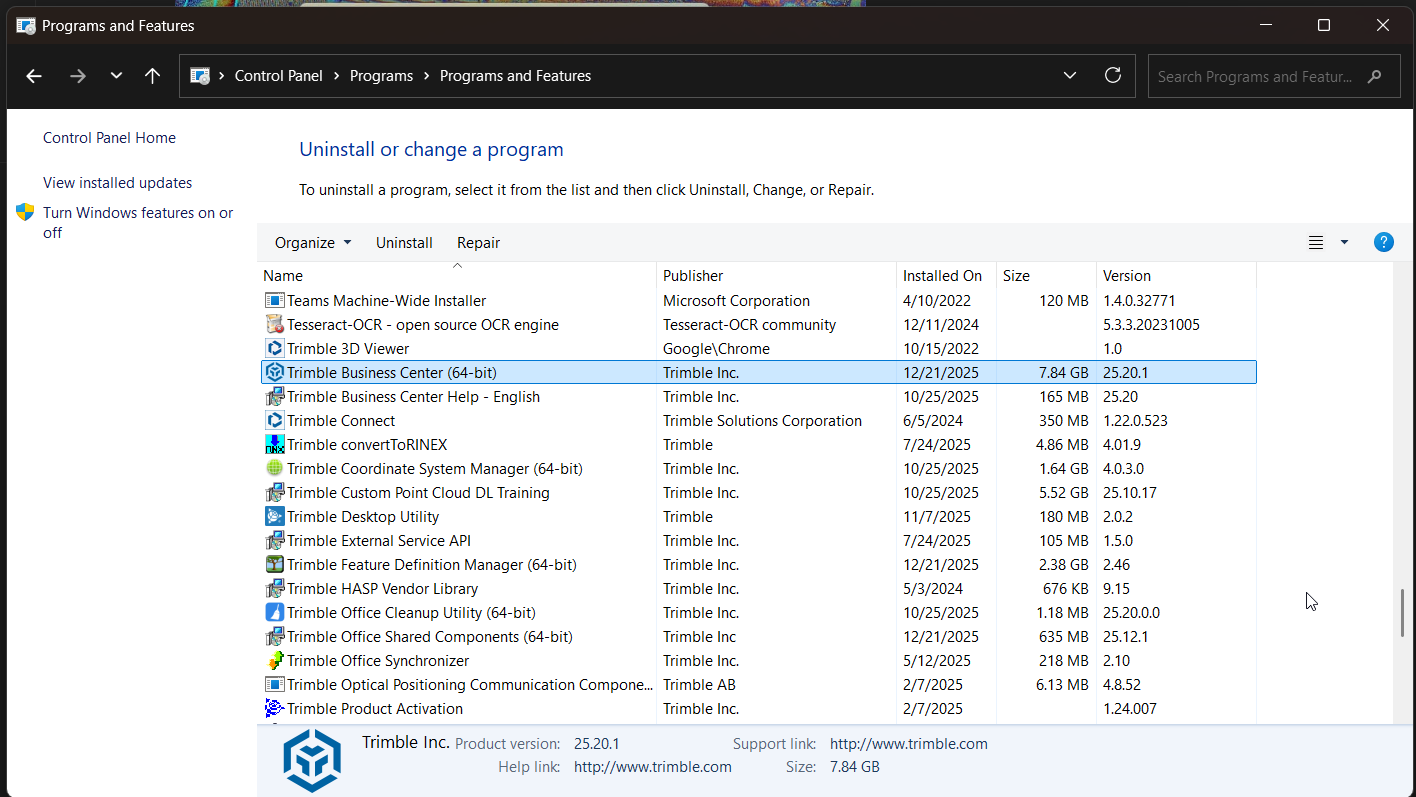
If you go to Control Panel, Programs and scroll down to TBC it should show the installed version. Mine shows the updated version but TBC itself doesn’t.
Marshall
This is how to check the version that is installed
As marshall says -
go to Control Panel
Select Uninstall a program
Browse the list for Trimble Business Center
In the Version column it shows 25.20.1
Alan
I ended up rolling back to 2025.20. Now when I ‘check for updates’ it doesn’t even show 2025.20.1 in the list. The Notifications/News panel still lists “Update Available” just not the actual updates panel.
Just have to wait until Trimble sorts it out.