Hi Rockpile Team,
In TBC, is there a way to automatically create centerlines from closed rectangular shapes?
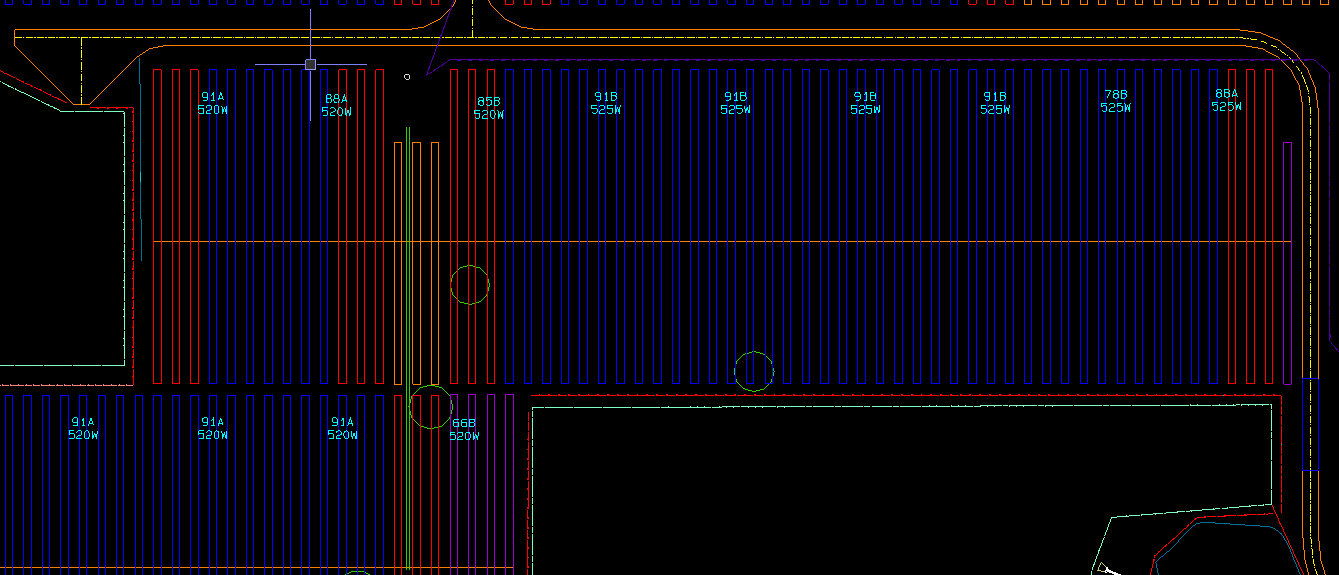
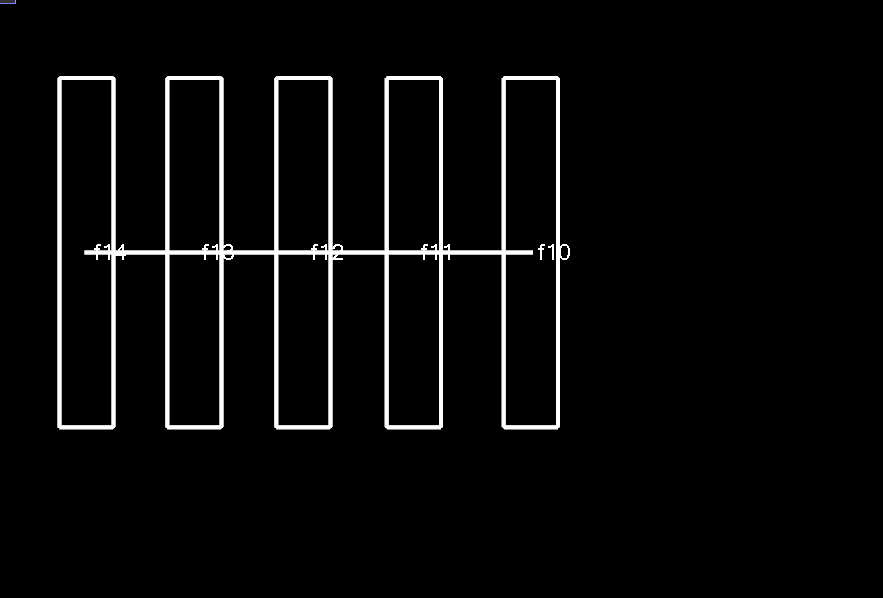
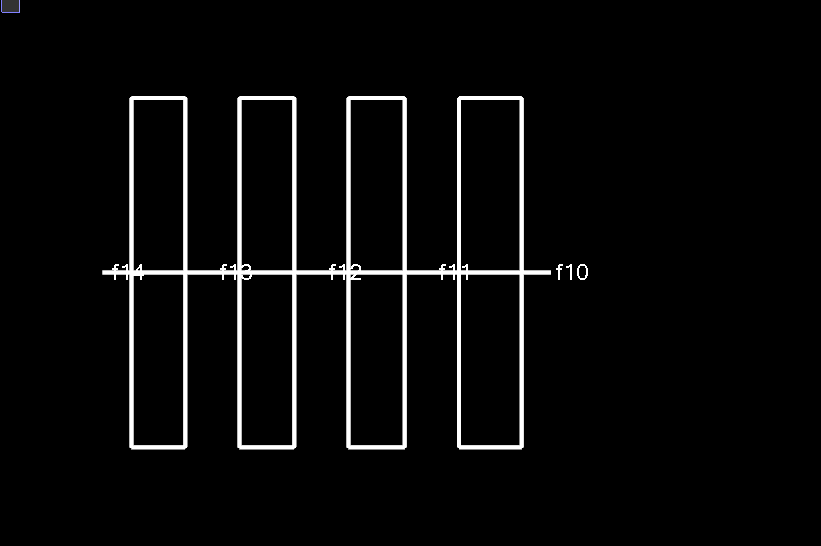
For solar farm projects, we often receive only row boundary rectangles and not the pile centerlines. Offsetting an edge works when the width is constant, but many rows vary in width, so a fixed offset is not reliable.
We’re looking for a way to automatically generate a centerline along the longest axis of each rectangle based on its geometry, preferably for multiple rectangles at once.
Is there a built-in workflow, macro, or custom solution available for this?
Working on bridges this can be beneficial when creating center line of the bearing seats.
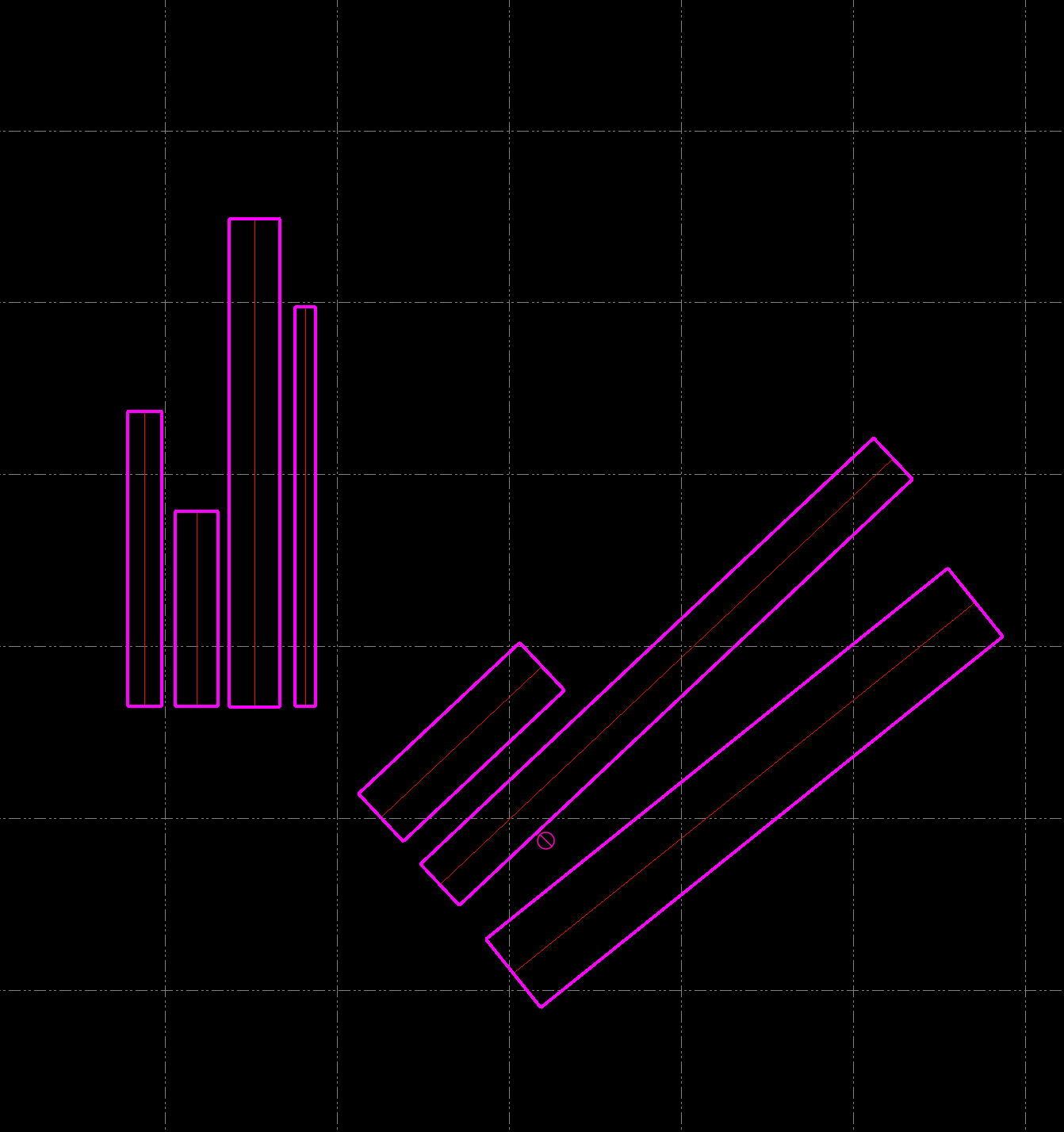
Example of the block.
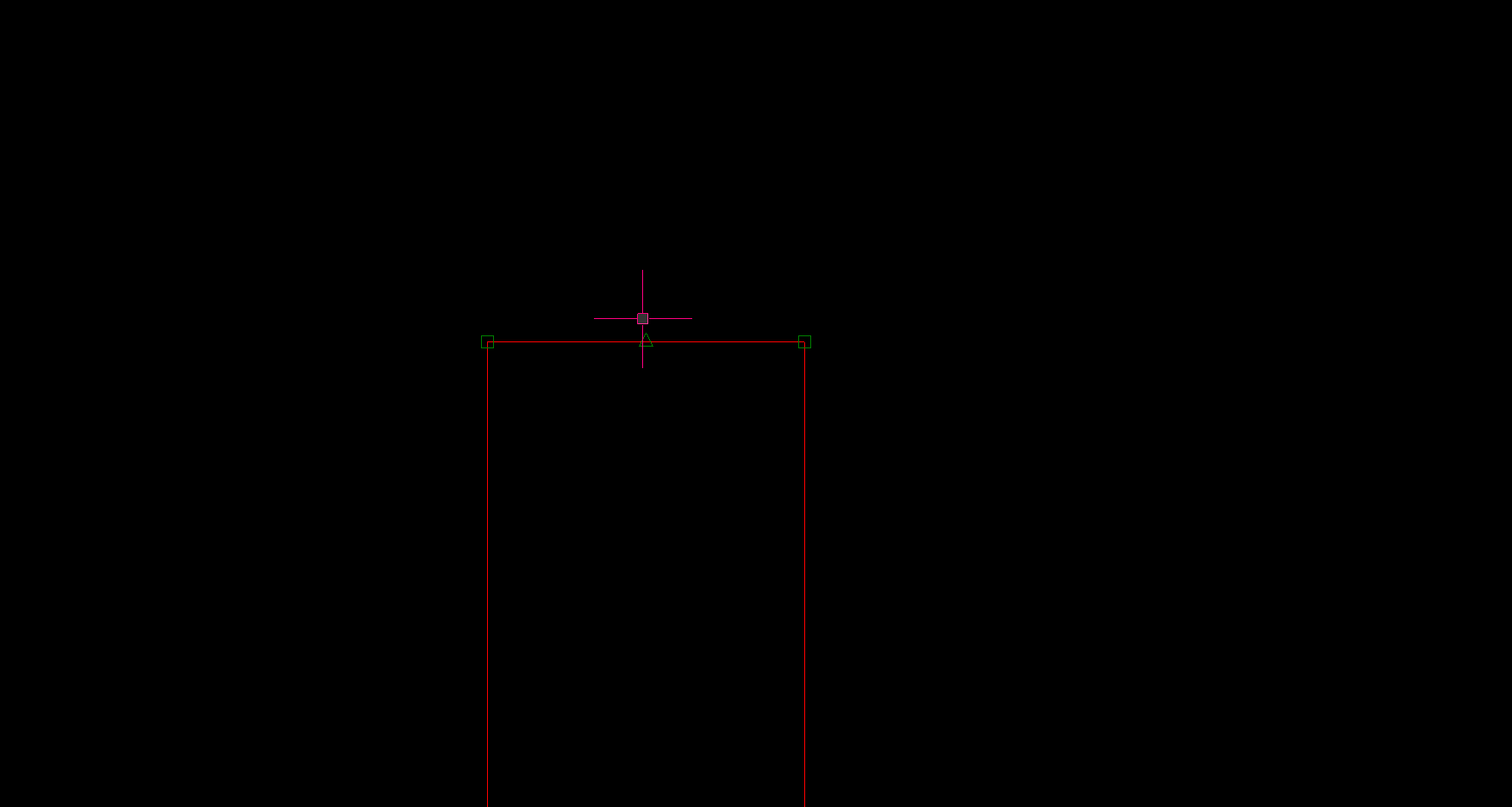
Luis, I would use the mid point snap to do this for the longest box, I would use copy objects to draw one in the center of each box, and finally id use clip lines remove lines outside bounding lines to clip to inside the box.
If say all the blue boxes are the same you could use matrix copy and get them all at once.
1 Like
Thanks Danny, I will give it a try.
1 Like
Your welcome, if when you turn on the mid point snap if you put it as top priority you should not have to zoom that far in when drawing the line or placing the copied line.
RectangleCenterline.zip (13.6 KB)
I created a quick macro that will batch produce your centerline. Hope it helps!
2 Likes
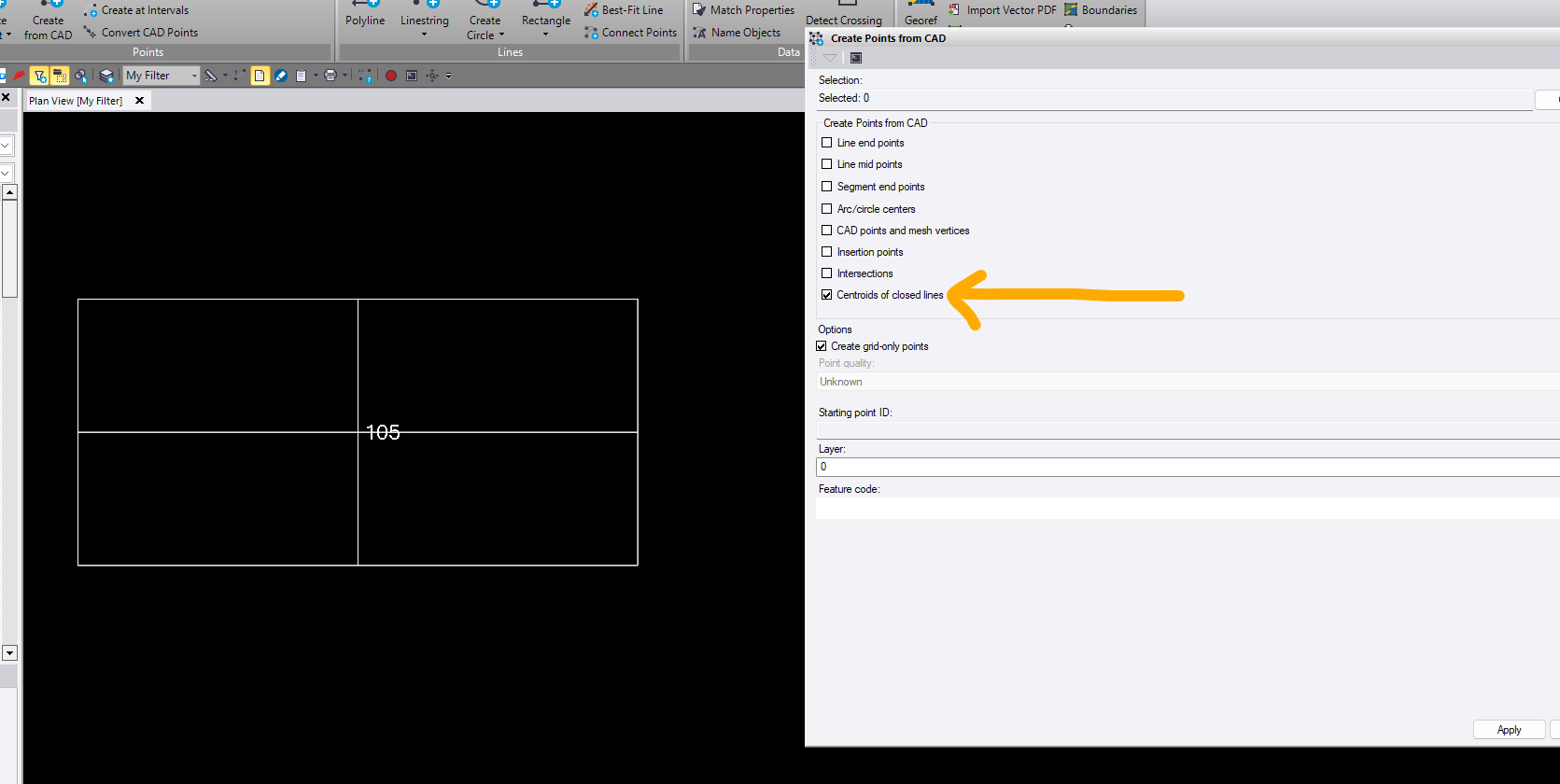
Lets not forget the CREATE from CAD options. There is a create option for CENTROID OF CLOSED LINE. I created lines from mid segments to show that the command works for the create to center of rectangle.
2 Likes
You can always use AI to wrtite a script like this, create a DXF file of all the rectangles, feed it to an AI
engine like ChatGPT with a script like the following
Scripy
In the enclosed DXF file you will find a lot of rectangles. I need to create lines at the centerline of the long axis of each rectangle and draw that into a DXF File - R12 Format on layer Solar Array Centerlines in color Red. Retrurn the DXF file
Worked first time in Ask Rocky 2.0 - coming soon
1 Like
Possibly Track Region can help in some way. Will have to draw a line on top from left to right of all the shapes and the same for the bottom. Then you can use the Track region to make shape enbetween the rectangles from the drawing. Then use the linestring at mid segments for centerlines