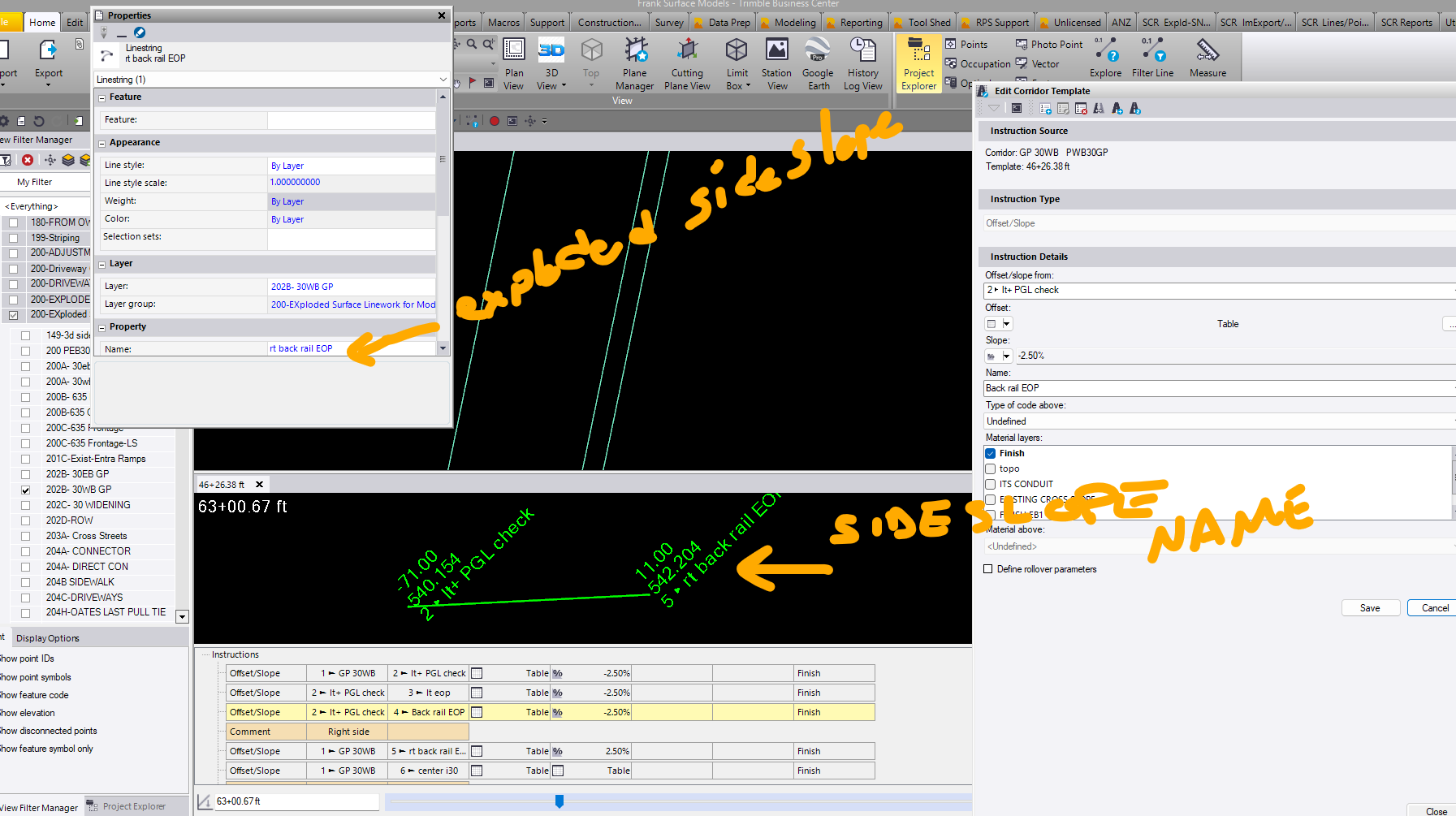
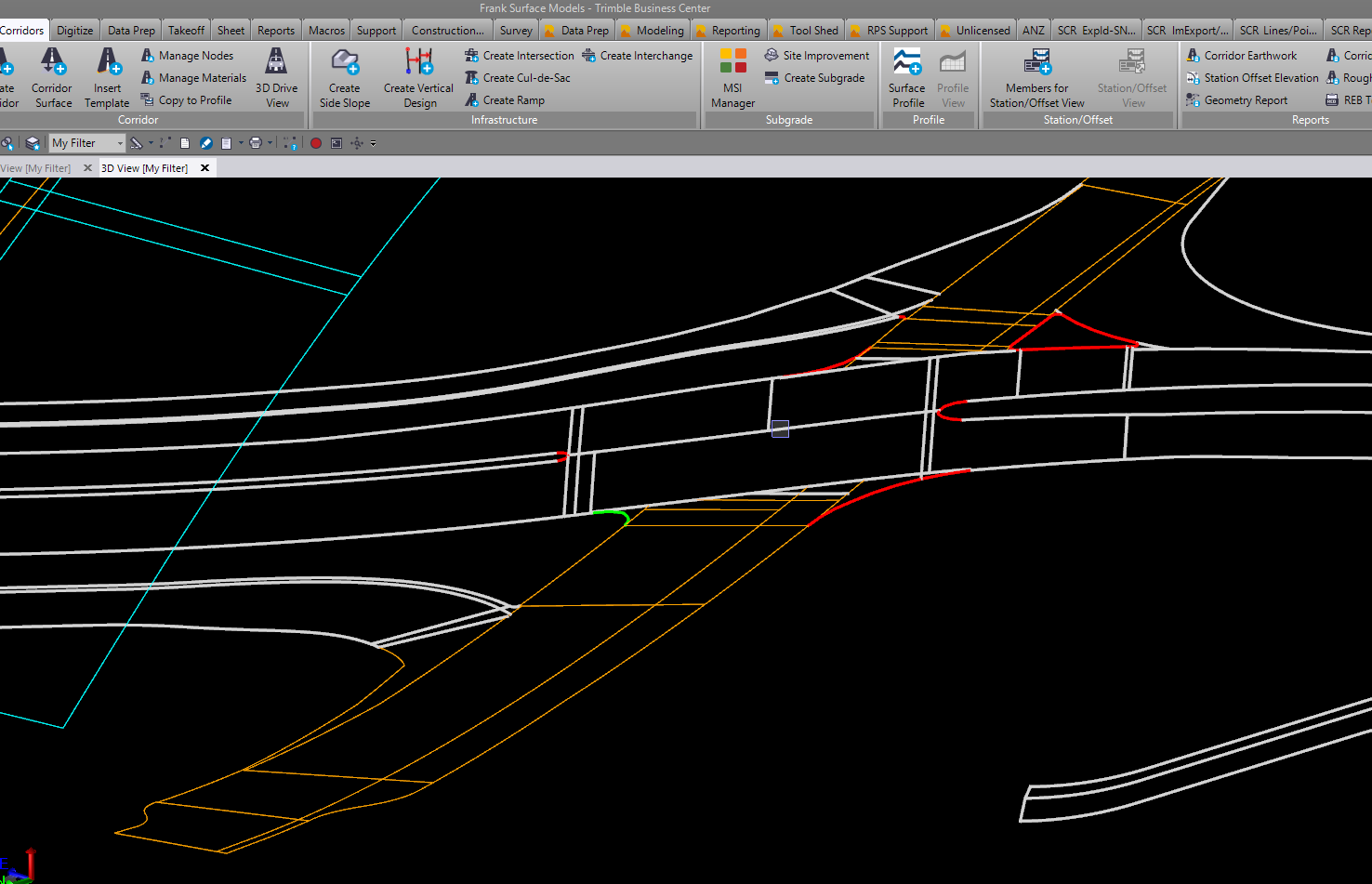
I think it would be cool if after you built and exploded a corridor you could run a command that looked at the separated linework’s name and moved it to a predefined Layer.
Example you explode the corridor and have say 68 lines on layer FG Model(Finish). Run the command and it takes all of you EP_RT and EP_LT and moves them to Layer FG-EP.
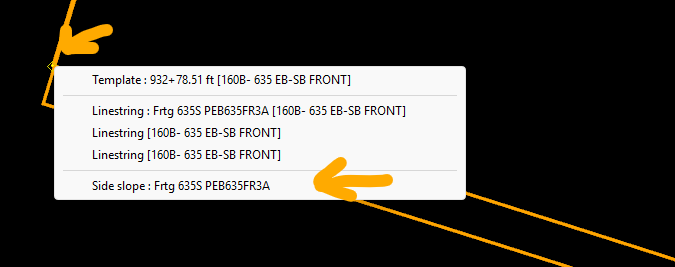
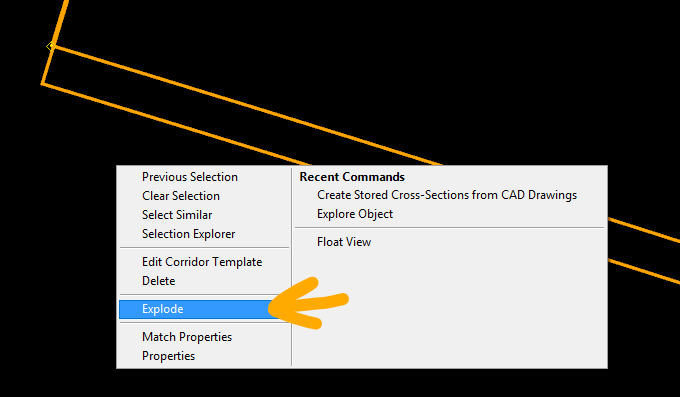
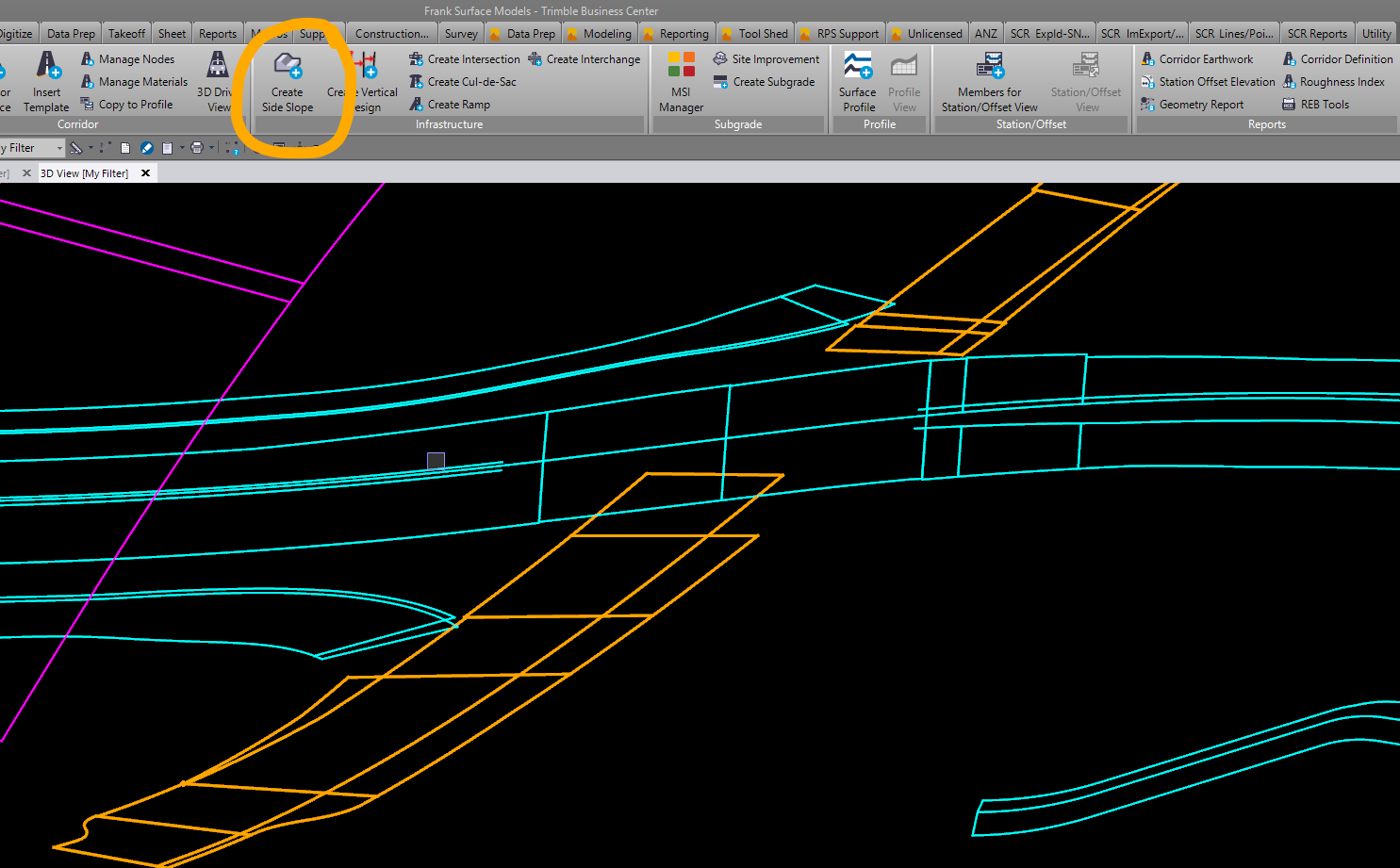
Benifits depending on what you what out of your design. You get 3D linestring instread of the corridor creating a Surface. The 3D lines you can once you get intersection done you can trim lines and adjust elevations to match. Then also you can use those 3D lines to export for the field crews to use for layout/offsets. Once you create and finish the design. you will have to explode the sideslope/template. after it gets exploded those newly created lines will be highlighted “ DONOT UNSELECT THOSE LINES” while they are highlighted relayer those lines, as they will be undependant from the Side Slope.
I use a similar workflow today. To make it manageable, I standardized my corridor node naming. Rather than using names such as EP_LT and EP_RT, I typically use a common name such as EP (Edge Pavement). This allows tools such as Layer by Name, RP Relayer, and Advanced Select to quickly isolate and organize the resulting linework. (Simplifying the names also helps with advanced corridor features such as intersections and superelevation.)
The first limitation is that this process must be repeated whenever the corridor is regenerated. It also becomes increasingly difficult to manage as the number of corridors grows. For example, five roadways with four or five published feature layers each can quickly become 20+ layers that must be maintained, managed, and republished after design changes.
Another limitation is that the linework generated by the Corridor and Side Slope commands is chorded rather than truly curvilinear. Whether this becomes an issue depends on the project, but when it does, it can be difficult to explain to the field why the published linework does not match the underlying geometry.
the curve lines help can be a small change in the OVERRIDE SEGMENT LENGTH. Truly anything in the field is tangent. I have been thinking of extending my road surface out some from the EOP. One issue was having the field paving crew getting stored shots for paving nails outside the road surface. painful to move over points.
Which just had a thought. If we could use the Feature Line Code for the naming system. The biggest setback would be those lines would be re-layered to the FXL layer if you have those layered to a certain layer.
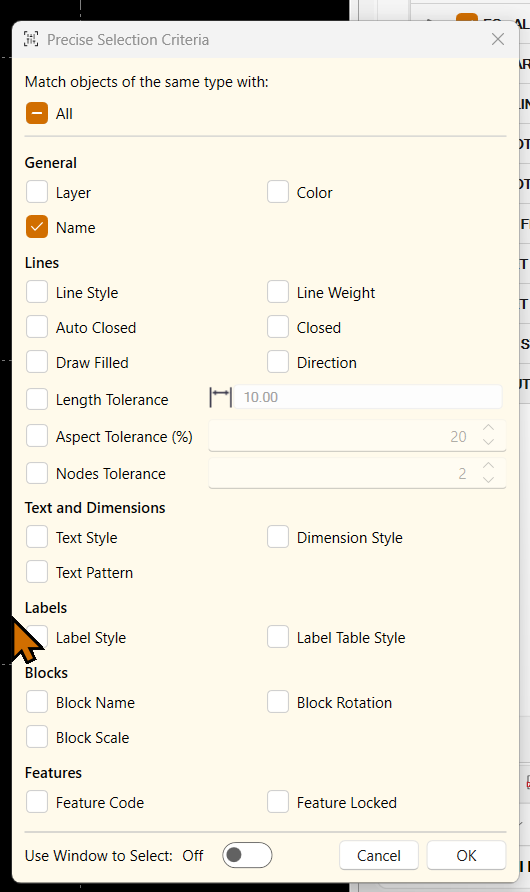
In the next update, the Smart Scene Select Tools allow you to select objects in a host of ways including same name as a selected object or objects (set a range), same layer, same object type, same color, same length (+/- a tolerance), same aspect ratio (+/- a tolerance), Same Text content type, same number of nodes (+/- A Tolerance) …. and more. You can then relayer to your target layer again directly in smart Scene by double clicking the target layer in the layer List window. It is pretty awesome!