Is it possible to extract a single breakline from a corridor surface?
If you are on the newest TBC version. few different ways,
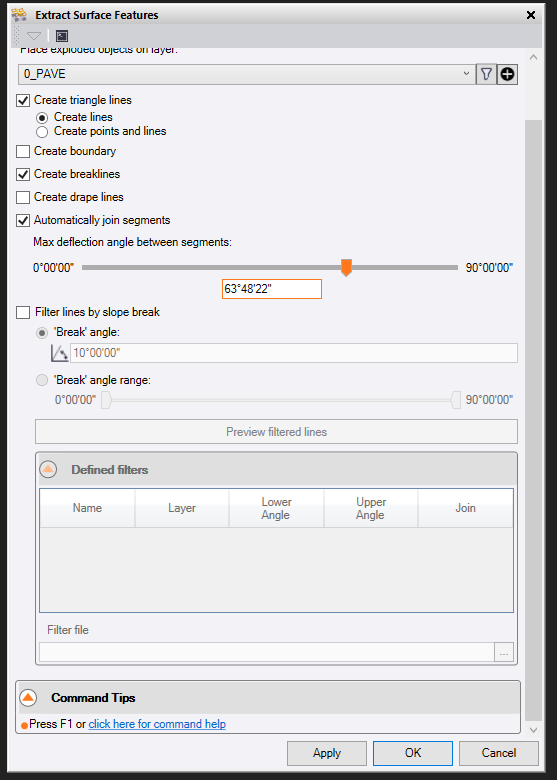
RPS_extract surface features. probably the best choice
ExplodeSurface- which that is okay as it can make cad point and if you delete them it will delete the breaklines/linestring.
I had seen that the corridors automatically create linestring/breaklines. Otherwise you can export the surface as a DWG and reimport which will give you 3D face. Just explode those lines and you will have your breakline.
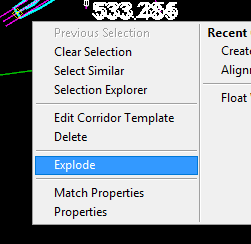
You can use the normal CAD explode (not Explode Surface) on a corridor surface and this will create unlinked linestrings without exploding the triangles. The lines are unlinked from the corridor so they can be broken, edited, etc…
It sounds like we are all on the same page. I usually explode the entire surface and delete what I don’t need. In Civil 3d, you can select a single Breakline and extract only it.
I had previously built a corridor, exploded it, and built a FG model from the lines. Fast forward, I made a small change and needed to swap one line on my model.
Unfortunately I dont have the newer version of TBC. I stopped using Corridor command years ago and have only used the Side Slope command which only created 3D lines. I allowed me to adjust the line elevation using RPS adjust line elevation command for any intersection or tie ins. One day ill be able to get the newer version and go back to using Corridor.
That’s amazing to me. I see your input so often on this Forum, I assumed you were a part of Trimble. You are a hero in my book.
just wanting to pass along my help where I can. I’m here to see what new things are out so I can keep up and also to remember old thing. Just here to learn and help others.
When you define the Instruction that generates the line of interest in the corridor, if you create an additional Material Layer and double tag that feature with eg Finished Grade and the extra Material Layer (lets call it Temp for now). Then if you create that material Layer as a Corridor Surface model, you can explode that and you will only get linework for the feature lines with that tag.
It will create you the strings that are on both edges of the instruction, ie if you tag SHLD and that is connected to EOP then it will crerate you the EOP and SHLD string. It is still better than having to delete all the strings of the project to get the one or two that you need.
The strings will automatically be there if you have the settings set to show the linework of the corridor surfaces, the lines will be on a layer called Road Name (Temp), and you can just use them - or you can use the Explode command to explode the Temp Surface to get at the strings as independent lines no longer connected to the corridor ie they will not change on you downstream if that is what you want.
I use this method to create what I need when I only want a single or a couple of lines that I can use for something else.
Video shows you how
Alan
Alan,
This was an incredible response that I read for the first time today. Sorry for the Delayed response, I have been covered up. From my perspective, Rockpile Solutions has been the most valuable thing my company has offered me. Thank you for your efforts.
1 Like
Glad to help Dave - we thrive on customer requests and feedback like this - my team is here to.sssist people to get better!
Great to have you as a user. I have seen you evolve over the past few months - you are putting in the hard yards and really beginning to see the benefits - you are approaching the red zone , first down and 4 to go!
Alan
(Not bad for a Brit to be able to talk football jargon!)
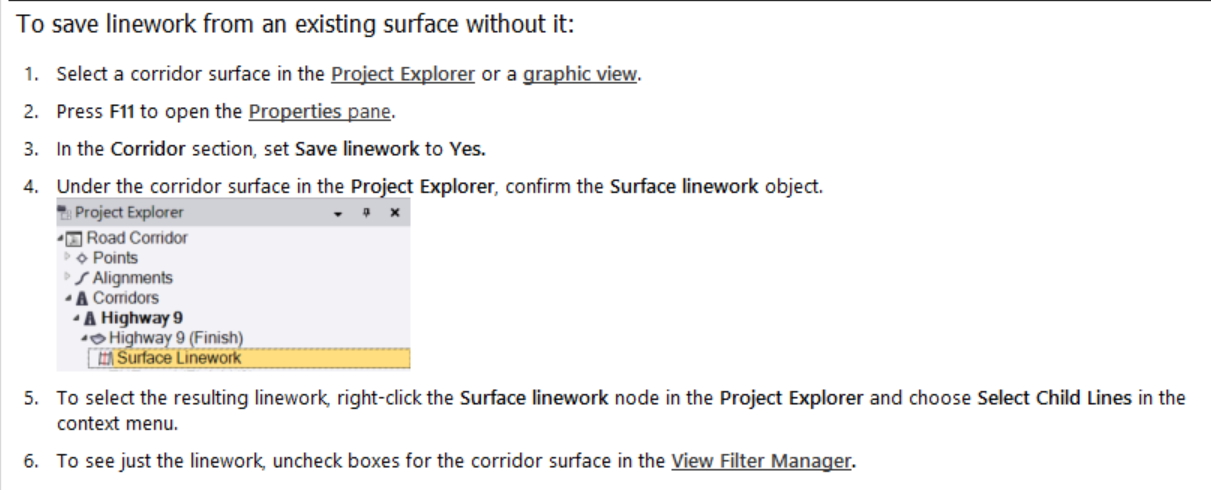
That’s a great idea, Alan. One issue with the corridor “Save Linework” option is that any derived linework (offset, copied, etc.) disappears if the corridor or its alignment is edited in any way.
Because of this, I haven’t found it useful. The only way to break the association is to export and re-import the linework as a DWG, which is more work than simply exploding the surface.
An “Extract Corridor Feature Line” tool like Civil 3D’s would be far more useful—especially if it relayered linework by template node name.
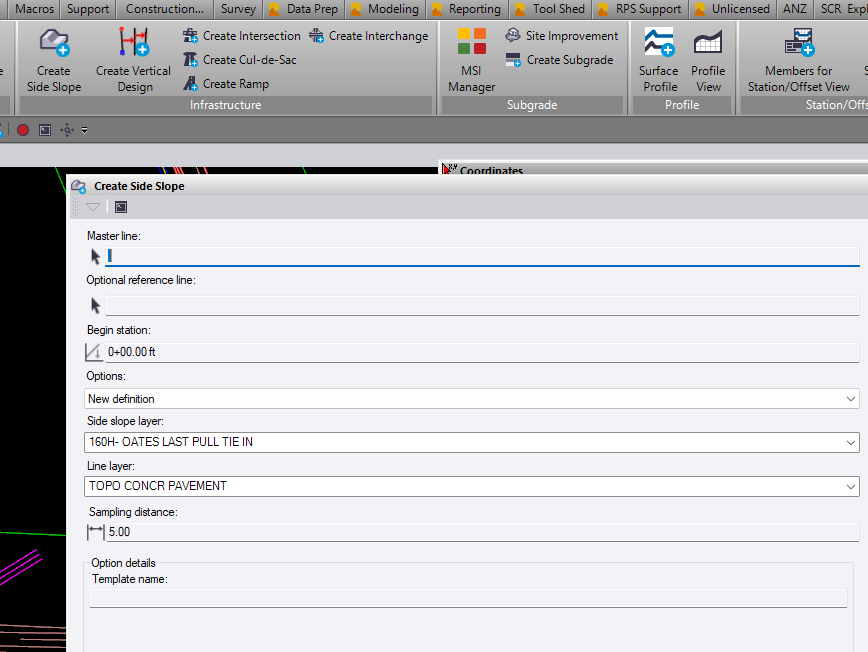
This is why I have been using the SIDE SLOPE command for years now. Creates 3D lines and then you can explode the side slope to extract lines. Those lines are non-dependent. The only thing I wish the SIDE SLOPE command had was , to add multiple reference lines. You can only add one reference line. You can use an alignment or any linestring to use for the SIDE SLOPE command.
I’m not sure what the advantage is here over Corridor. What’s the difference in the resulting linestrings from an exploded Side Slope versus those from a Corridor?
The biggest drawback of “Save Corridor Lines” is that they can’t really be used effectively as corridor reference lines. If an instruction is added to the source corridor, the referenced ID changes and immediately breaks every instruction that depends on those saved lines. That makes the most useful part of the feature—parametrically linking corridors—essentially useless.
1 Like
I agree. I mostly use corridors for everything except very minor side slope details. The dynamic linework must be copied - I relayer them with a date on the layer so I know which revision I’m on. it would be nice to ‘stack’ dynamic lines from 1 corridor to reference in others.
I’m not sure if there’s been an update since my ver. 2024 but dynamic corridor or “saved” linework that’s been copied/relayered gets instantly deleted when any change is made to the source corridor. So I’m unsure how you are keeping multiple revisions of dynamic corridor lines?
You can “stack” dynamic lines reference lines, as long as you never edit any instruction in a referenced corridor. As soon as you do it breaks all instructions using a dynamic reference line.
Exactly. You can do it, but it’s risky so I never recommend it.
I thought I had read some one post that you can extract the lines and make them non-dependent of the corridor?? In the “Side Slope” command you can explode the side slope property and it will remove the lines from the “““corridor””” side slope making them non-dependent. It has an EXPLODE option. I will explode and then once you explode it has all those lines select. Just right click properties - relayer. I relayer to 0 so I can just grap whatever changes I made and relayer again.
In the past, to explode the corridor surface was the normal workflow. This put the breaklines of that corridor surface on a layer of the same name.
Now the lines are automatically placed on a layer of the same name, and are dynamic. So linking them to other corridors/commands runs the risk of them breaking if the first corridor is modified and the surface rebuilt.
The function of a side slope is very much like a corridor in the instruction list and surface it produces, but a list of extras are not possible - strata, presence in the project explorer, etc.