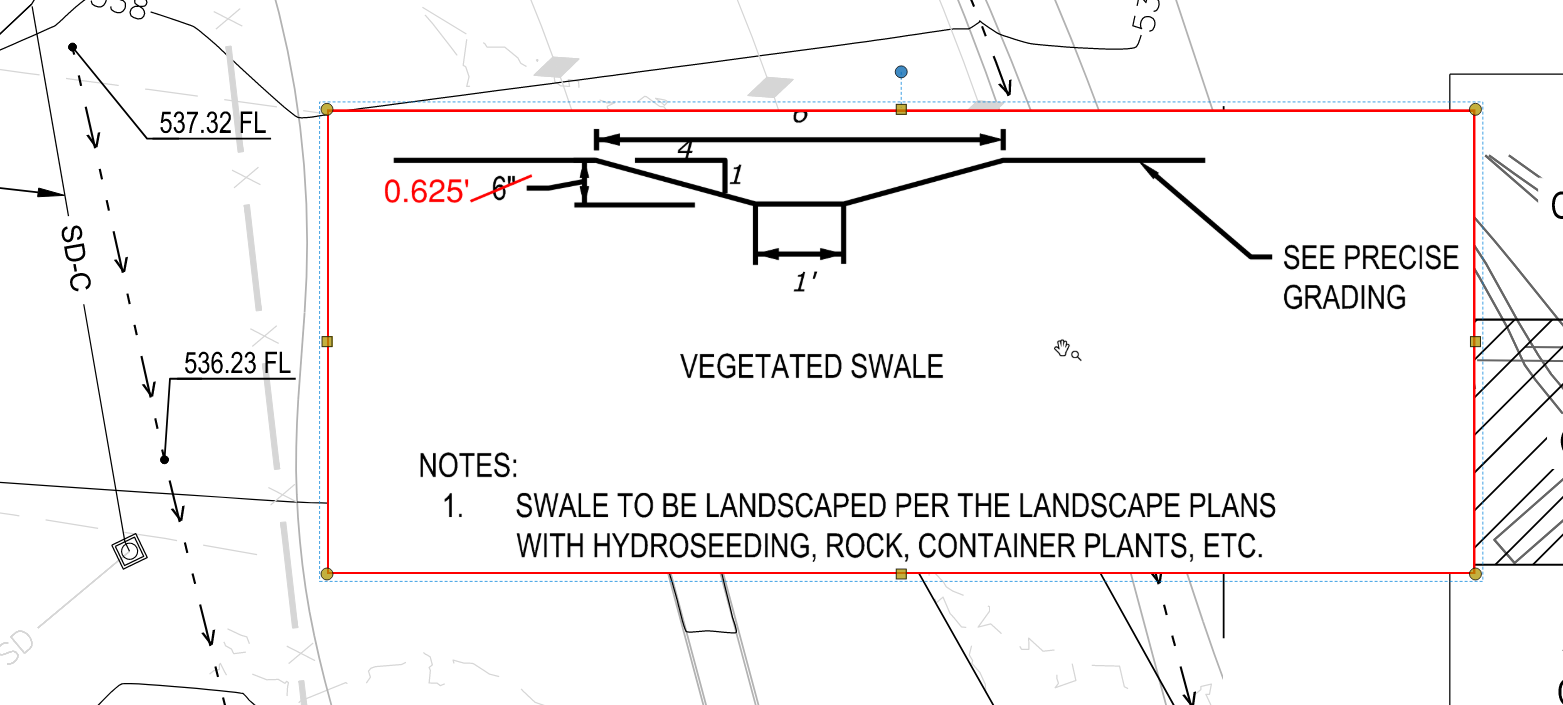
I’m modeling vegetated slopes on a large site (125 AC). The design depicts the bottom swale and includes a detail for the swale at 4:1.
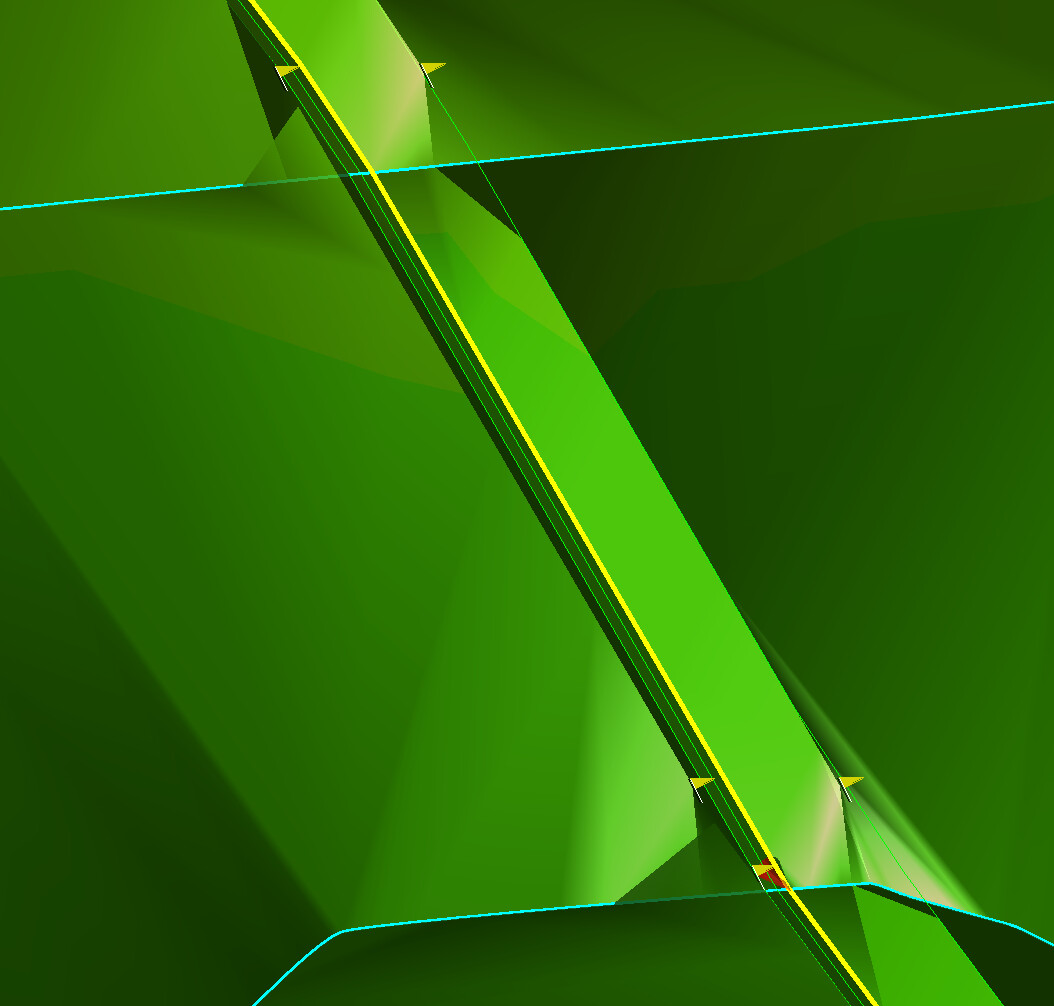
I’ve entered the bottom swale and added VPI’s at the flow line callouts. Next, I used Offset/Slope to calc the 4:1 at a 2.5’ offset. When I add to my design surface, it’s clear the proposed contours did not account for the swale.
As a work around, I’m trying to use Slope Designer to tie the bottom of swale to the proposed surface at 4:1 - but I can’t get it to work. Anyone else have experience with this issue?
Use RPSCrop Crossing Lines to remove the contours between the lines you’ve generated?
Yup, It looks like you have crossing break lines set at different elevations. The software can only define one elevation at a given point in a surface. Depending on what the other lines are, you have a couple of options to deal with the crossing break line. If its a contour, you can trim out a section (like Eriks recommendation) for your ditch bottom to pass through. If it’s an actual break line though, you can add vertical points, at the crossing location (to the crossing line), with an elevation snapped to the ditch bottom line as well. This doesn’t answer your question regarding slope designer, but I think you can get it to work with your original approach.
Check your slope settings - if the scale is below the design then you will only have cut slopes which will always be positive 4:1 but if there are any Fill slopes depending on your project setting for honor sign of tie slope that can be entered positive or negative (negative if honor sign of tie slope is set to Yes)
Failing that it could be your point creator settings used for the slope in slope designer
I would call Chris or Shane today and have them take a look at what you have setup.
Alan