I am trying to figure out the best/easiest way to clip a design surface where it intersects with the original ground surface. The zero line is pretty jagged due to the fact the original surface was created using drone data.
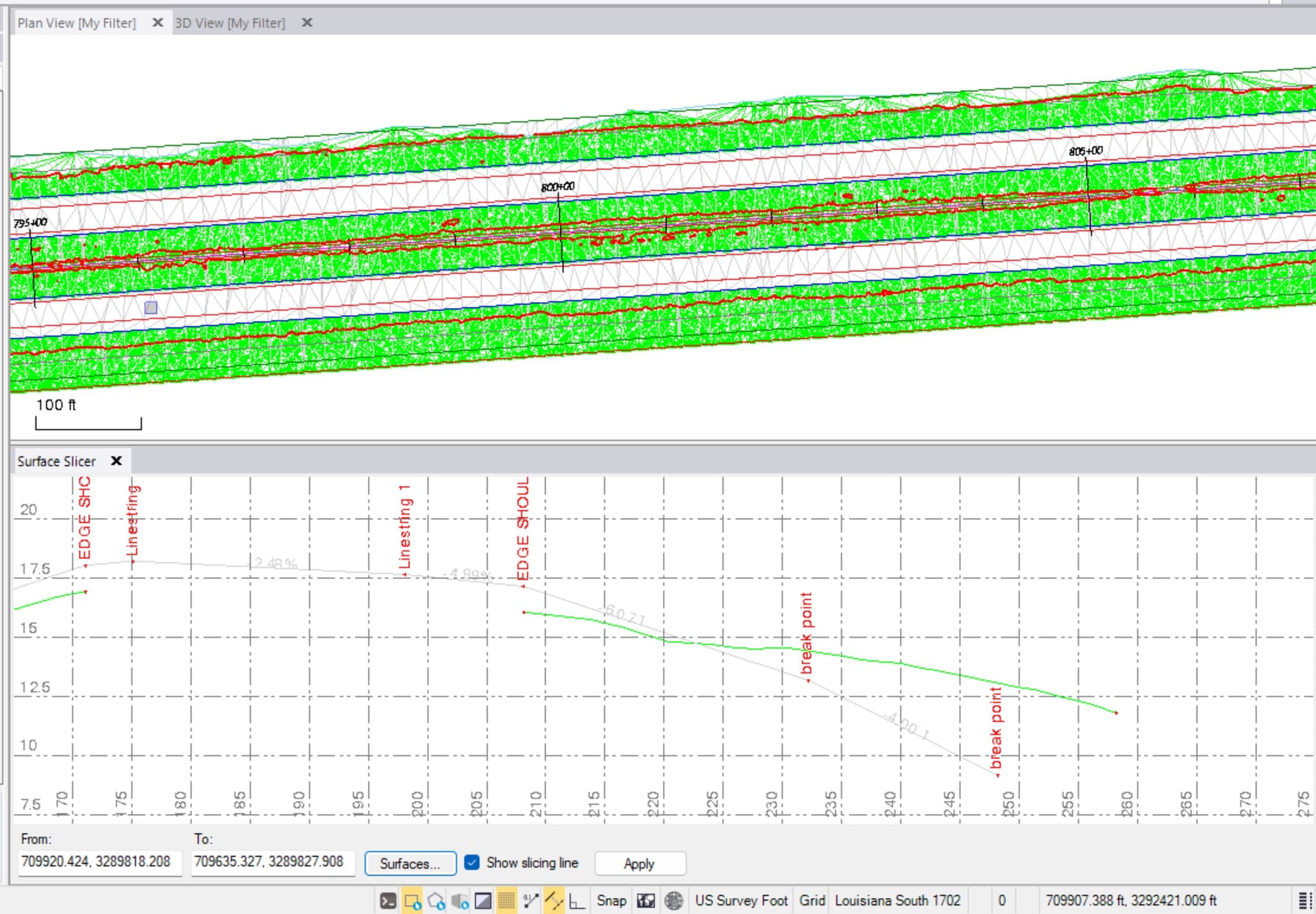
RPS Surface intersection will create the line. Then I would use the reduce line nodes in the convert to line string command.
1 Like
Once you have those lines, you need to create a boundary and then add the boundary to the surface as a surface boundary.
Alternatively if your surface is made of points and lines, then you need to break all the lines that cross the boundary lines ad then delete outside the boundary using select by polygon - outside to delete the points and line elements outside the boundary.
You could also use merge surface and keep highest if design is higher than existing but if it is higher and lower that won’t work.
Alan